AI Flyer Generator
Describe what you're promoting and get an eye-catching flyer with every detail spelled right. Ready to print or post, in any language.
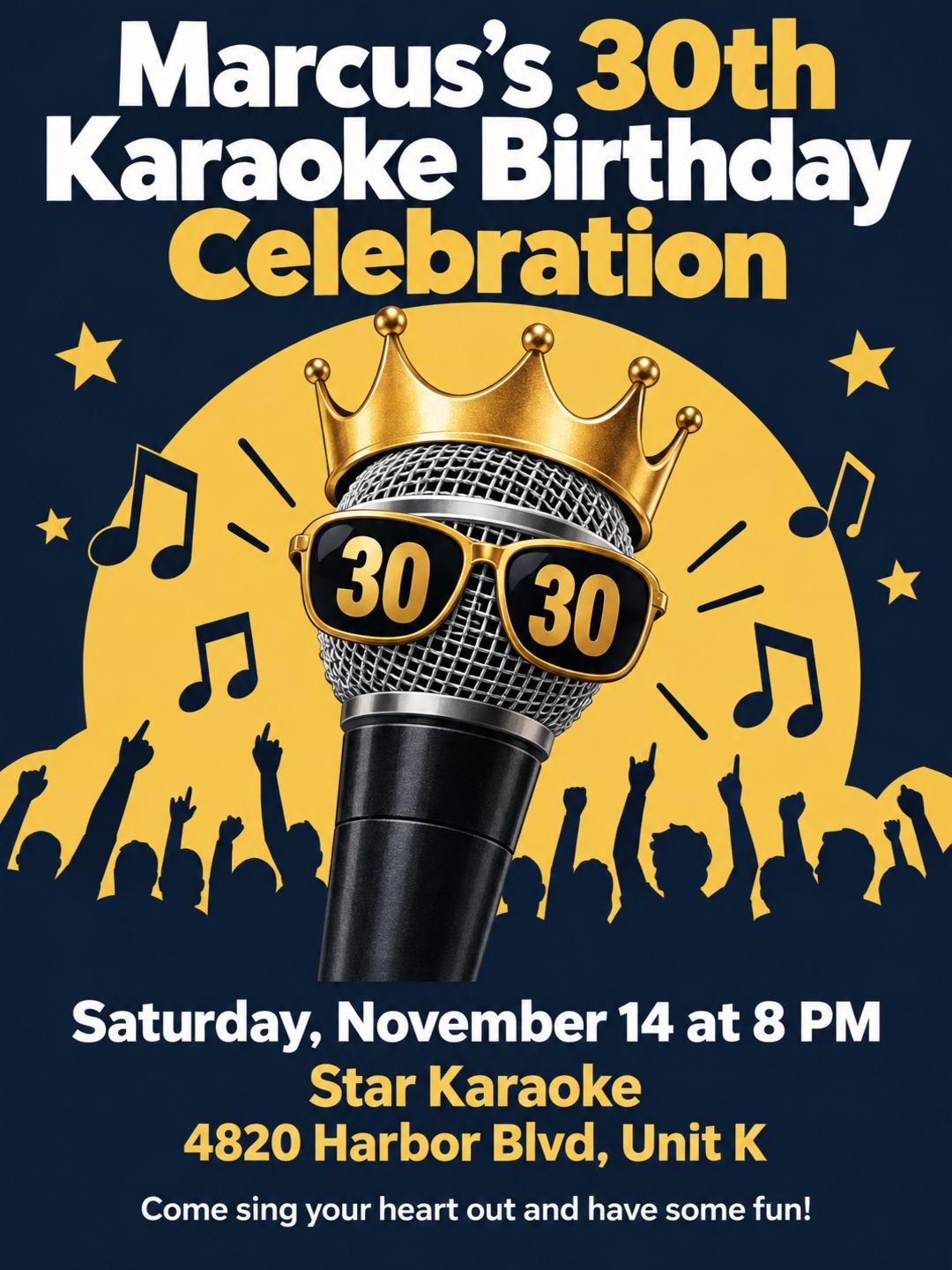
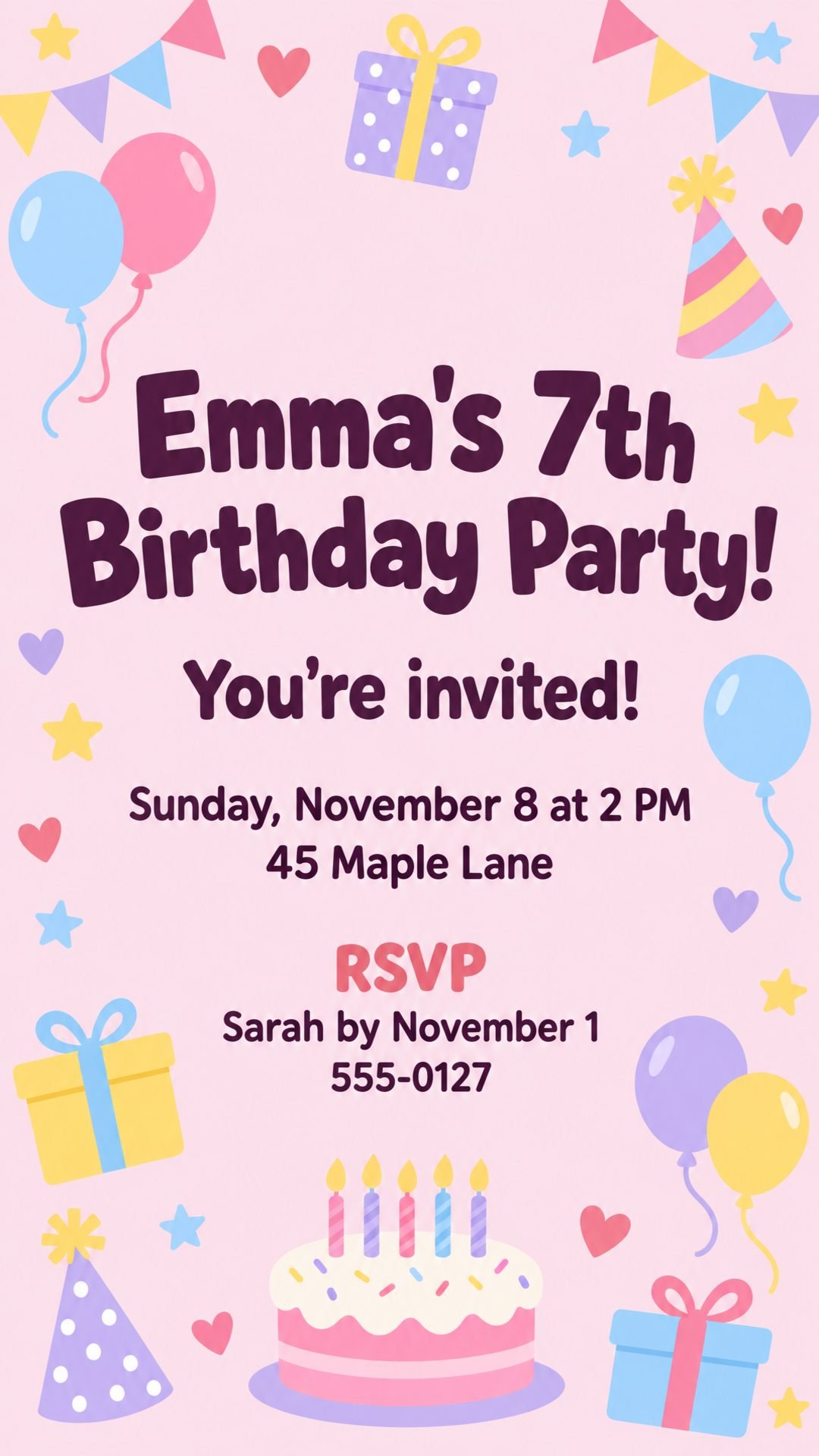
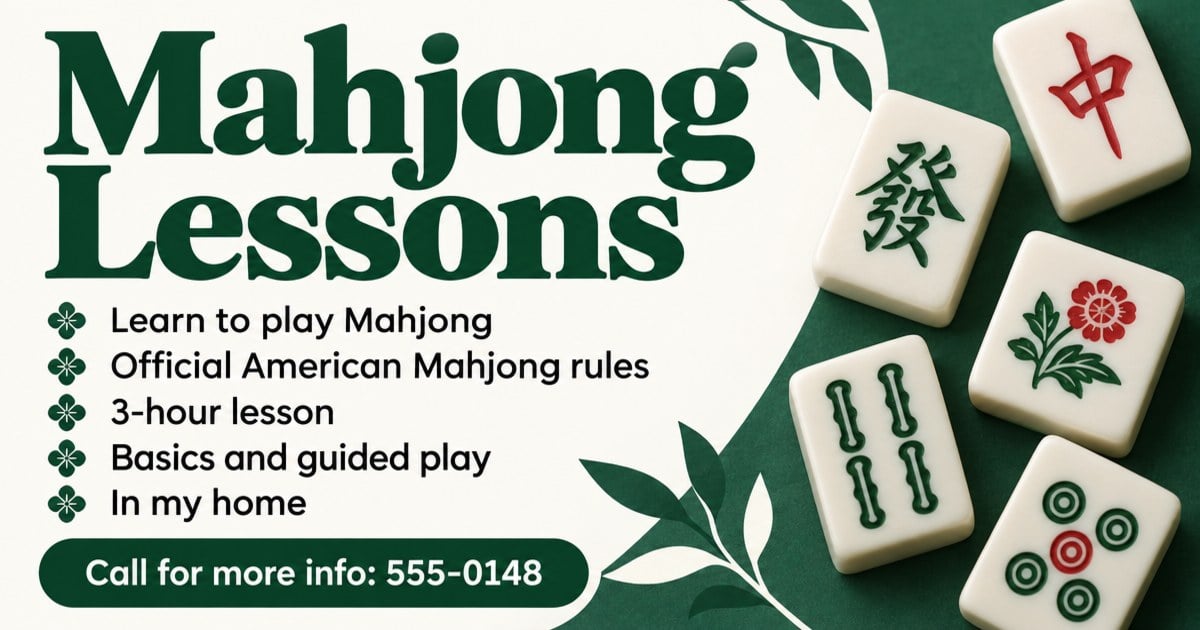
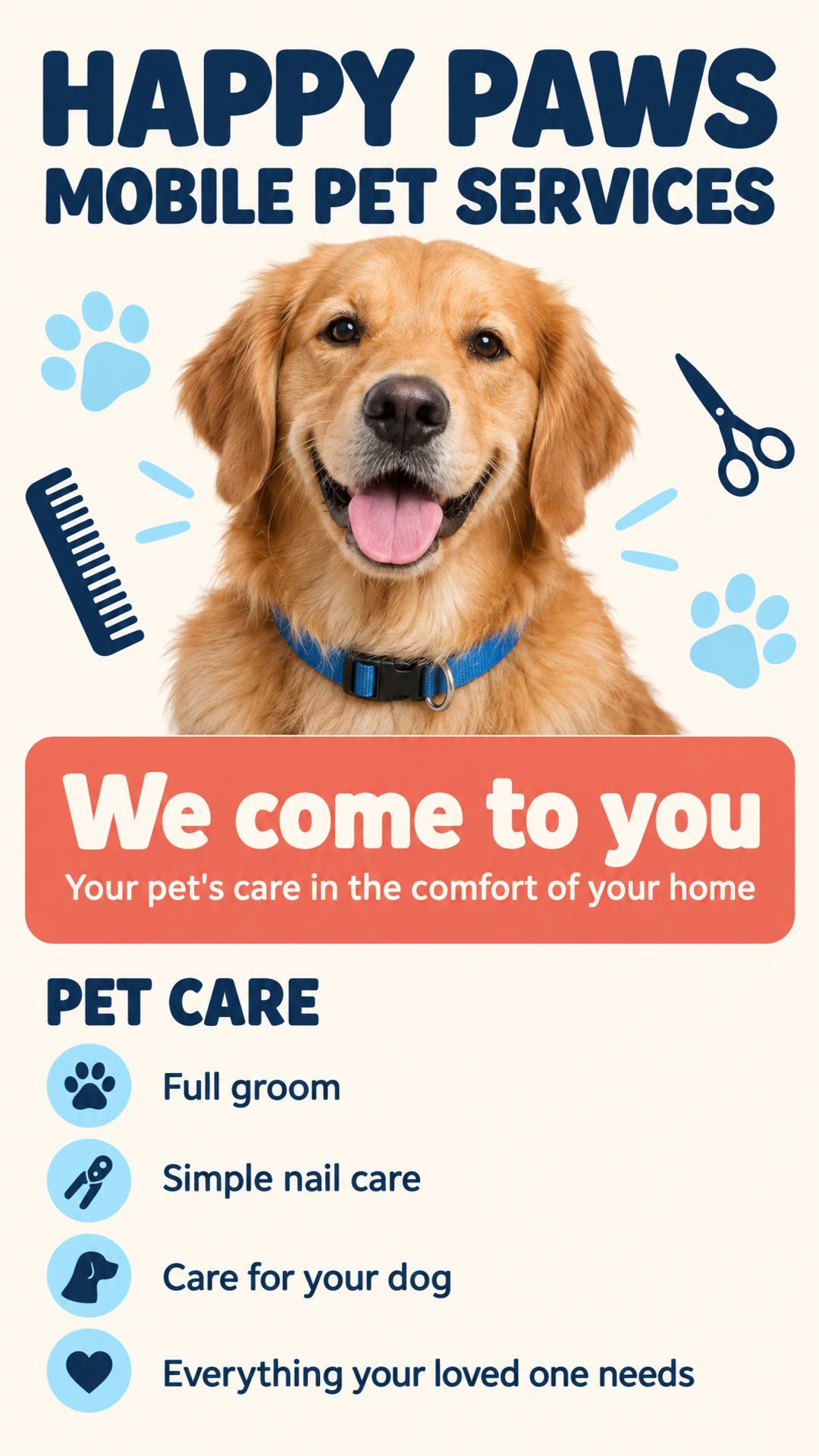
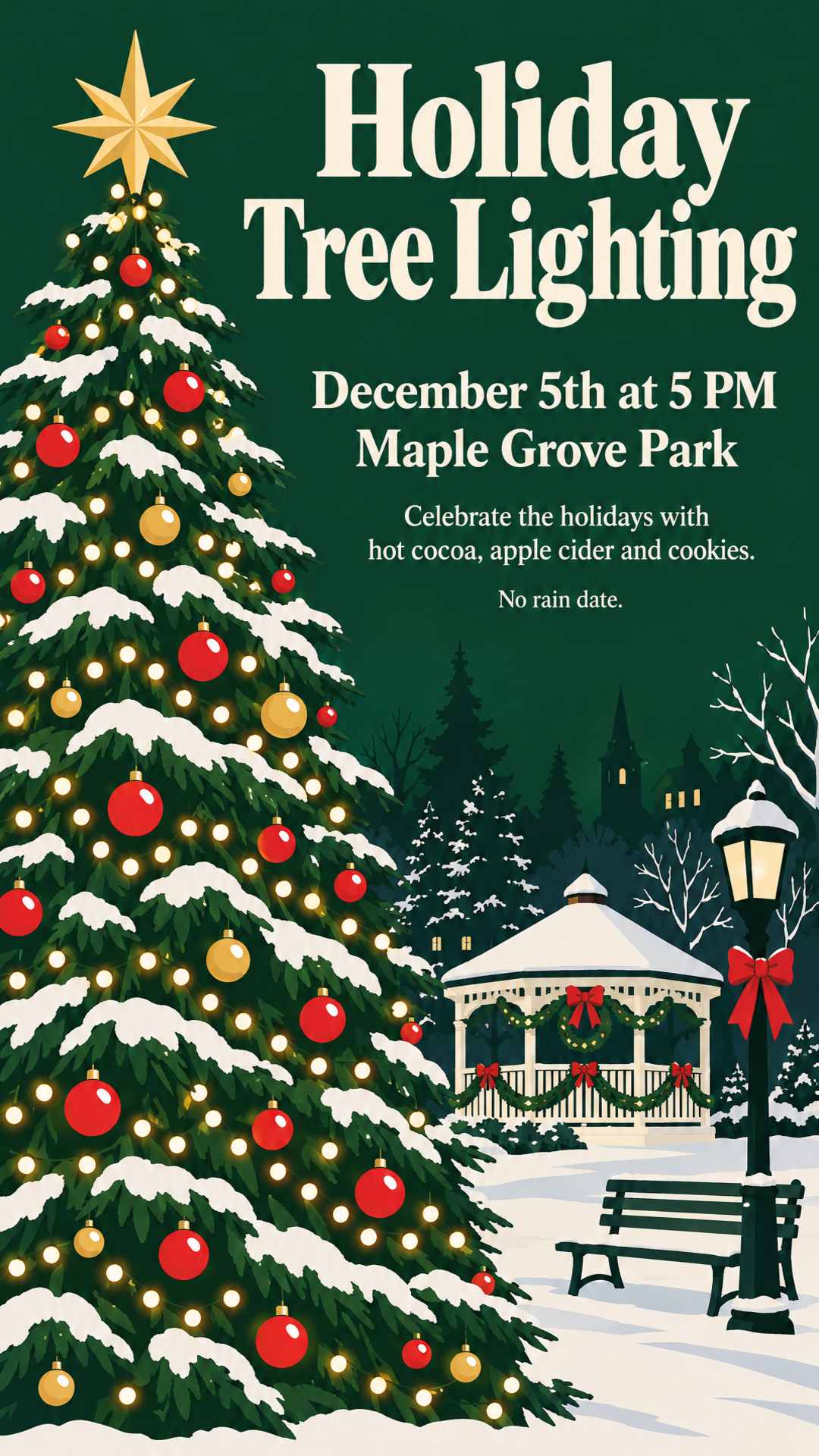
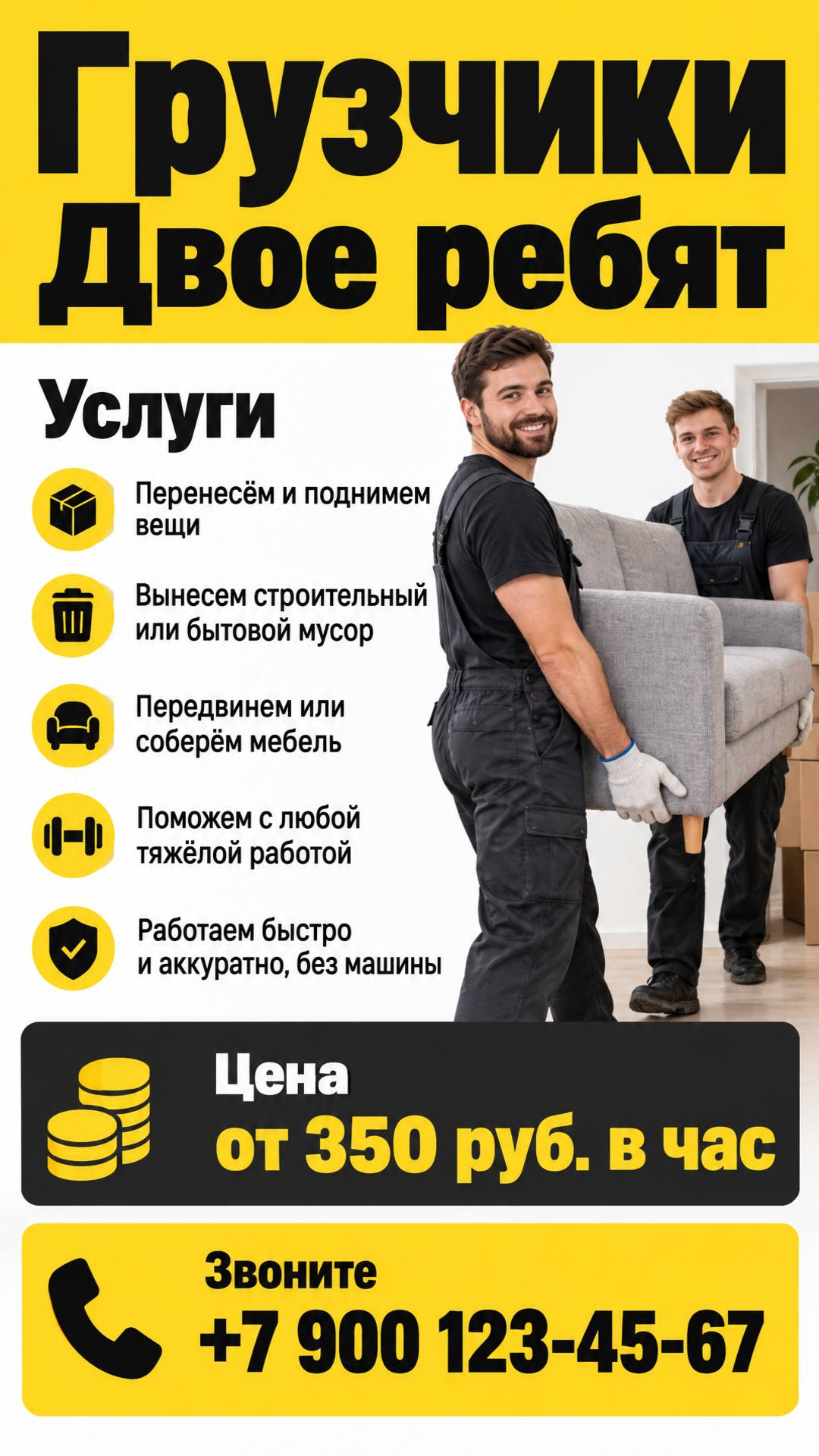
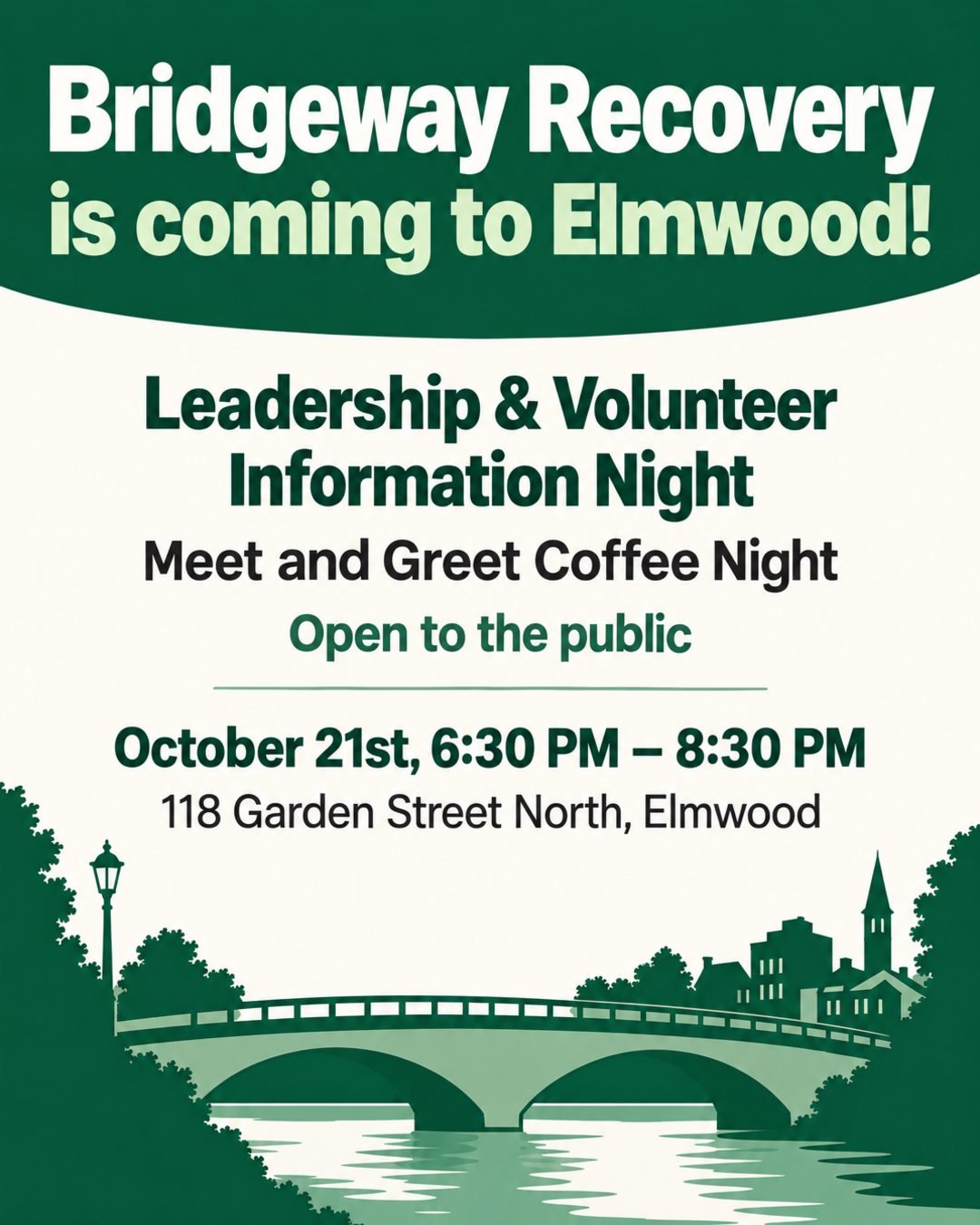
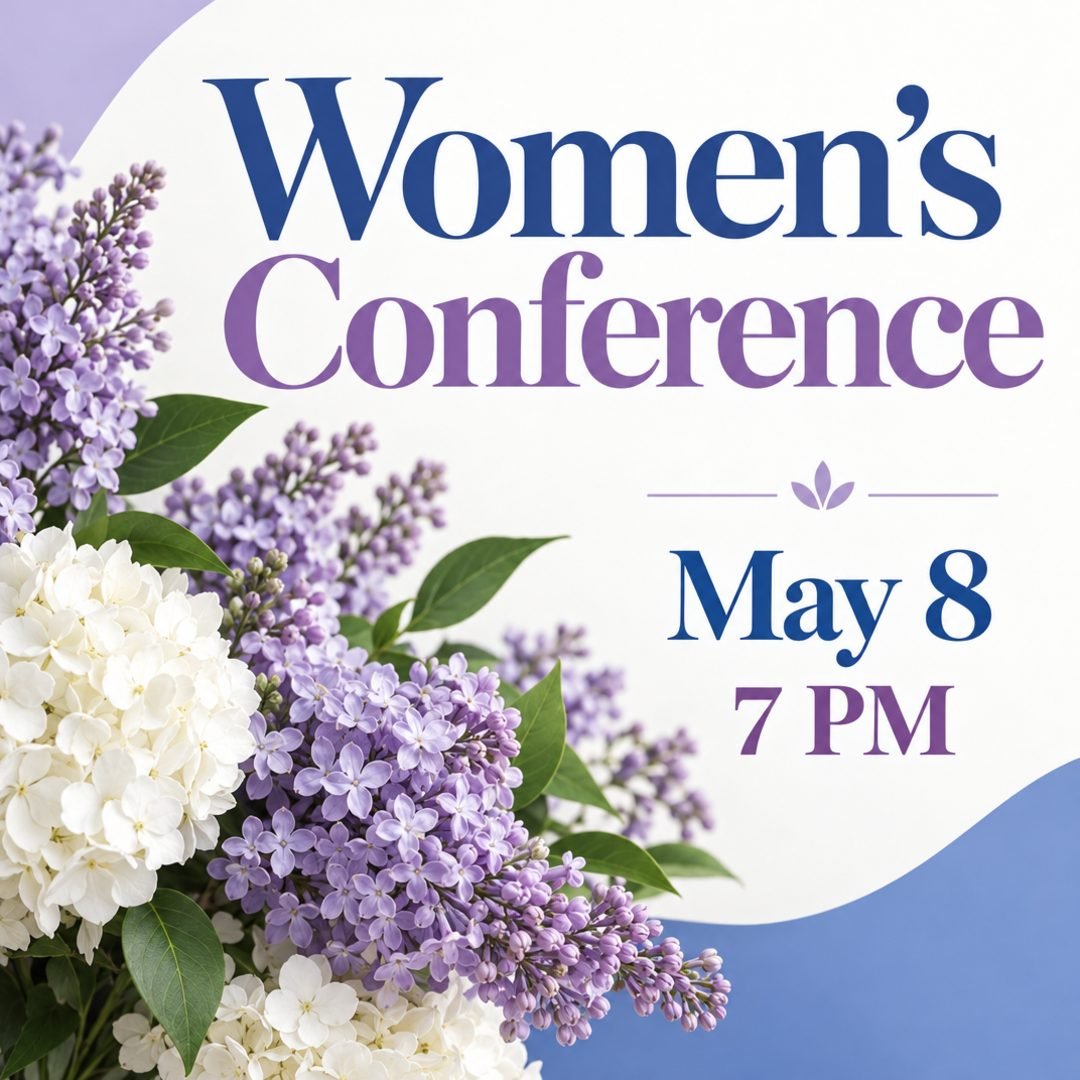
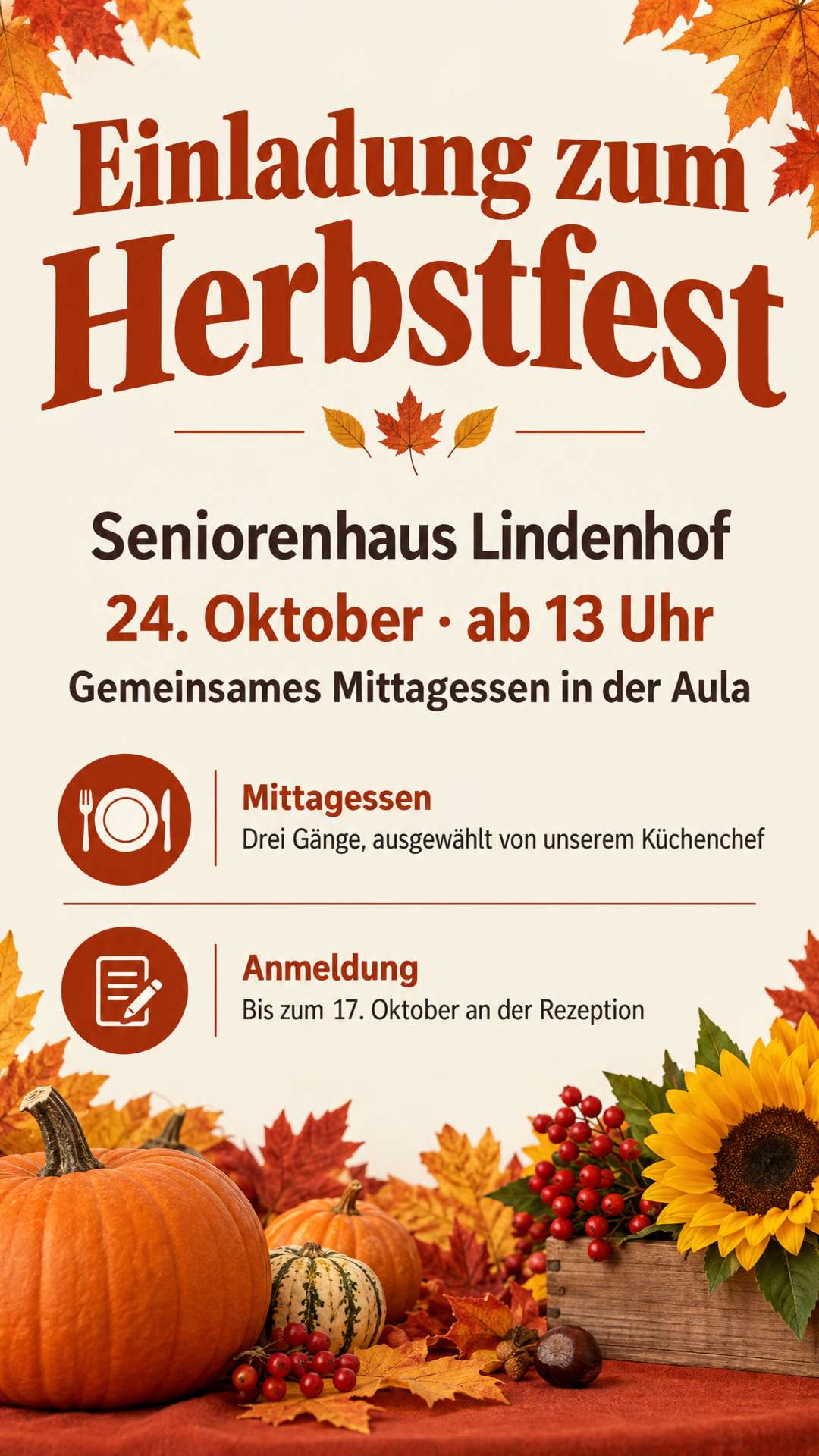
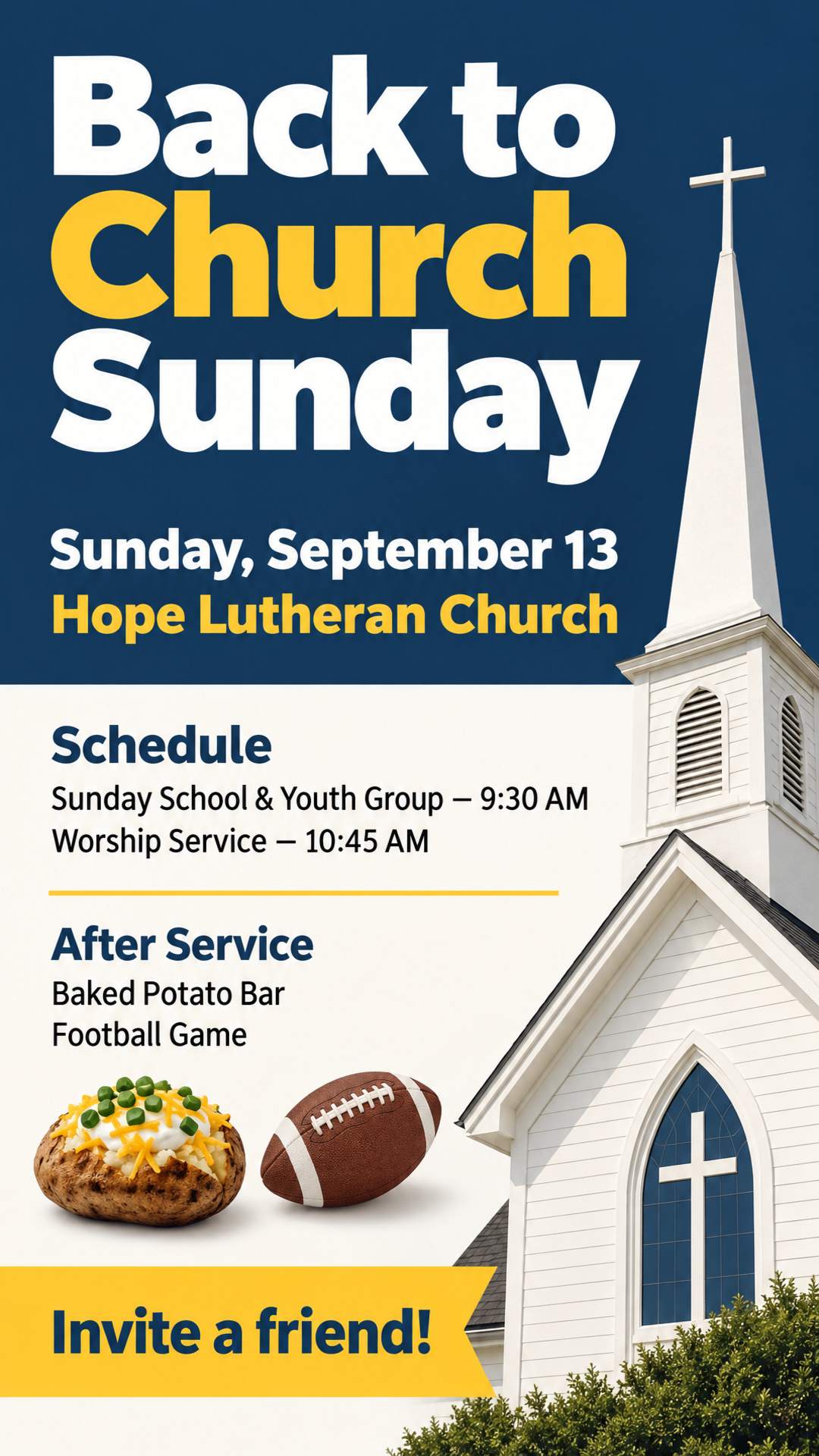
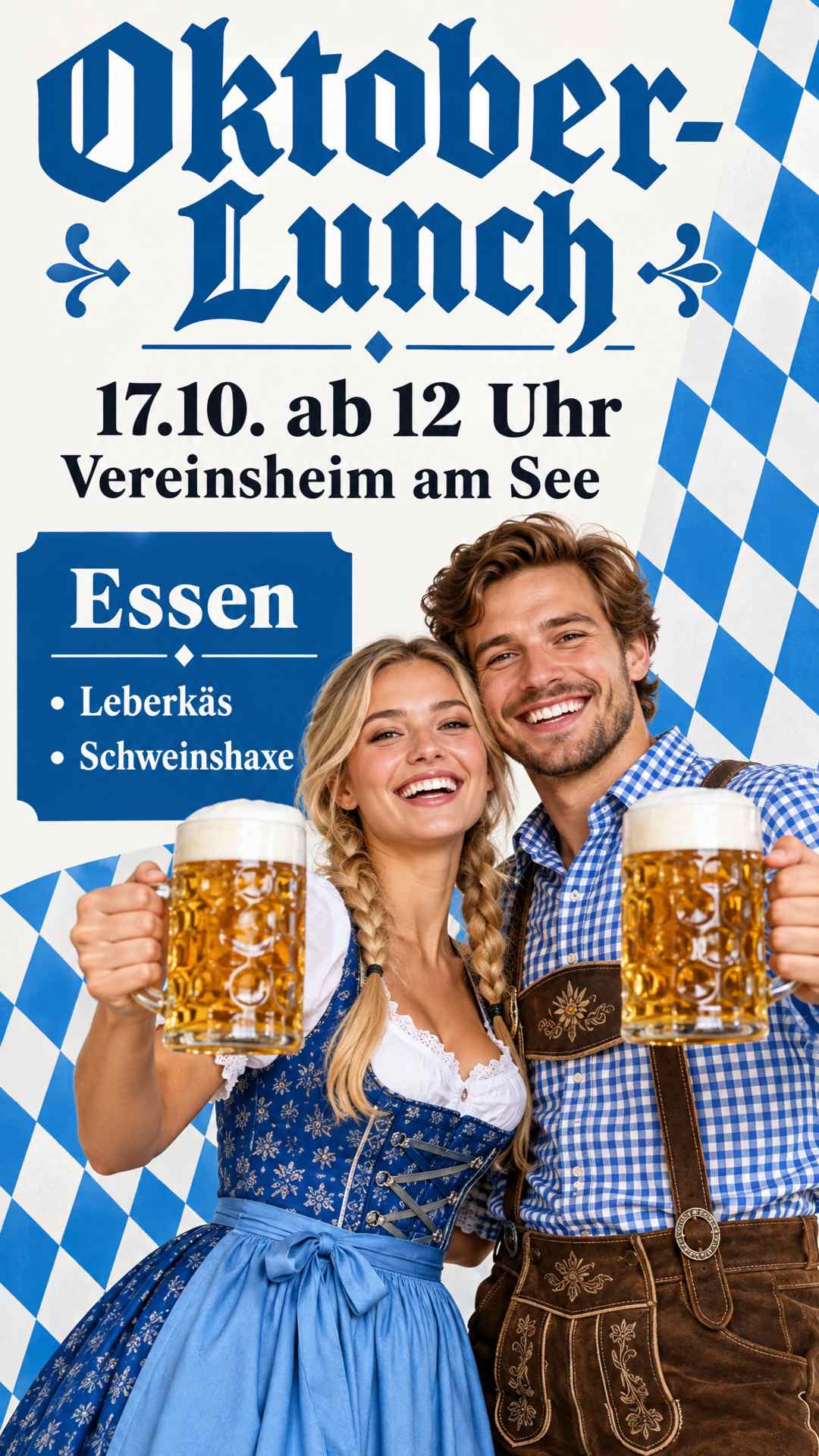
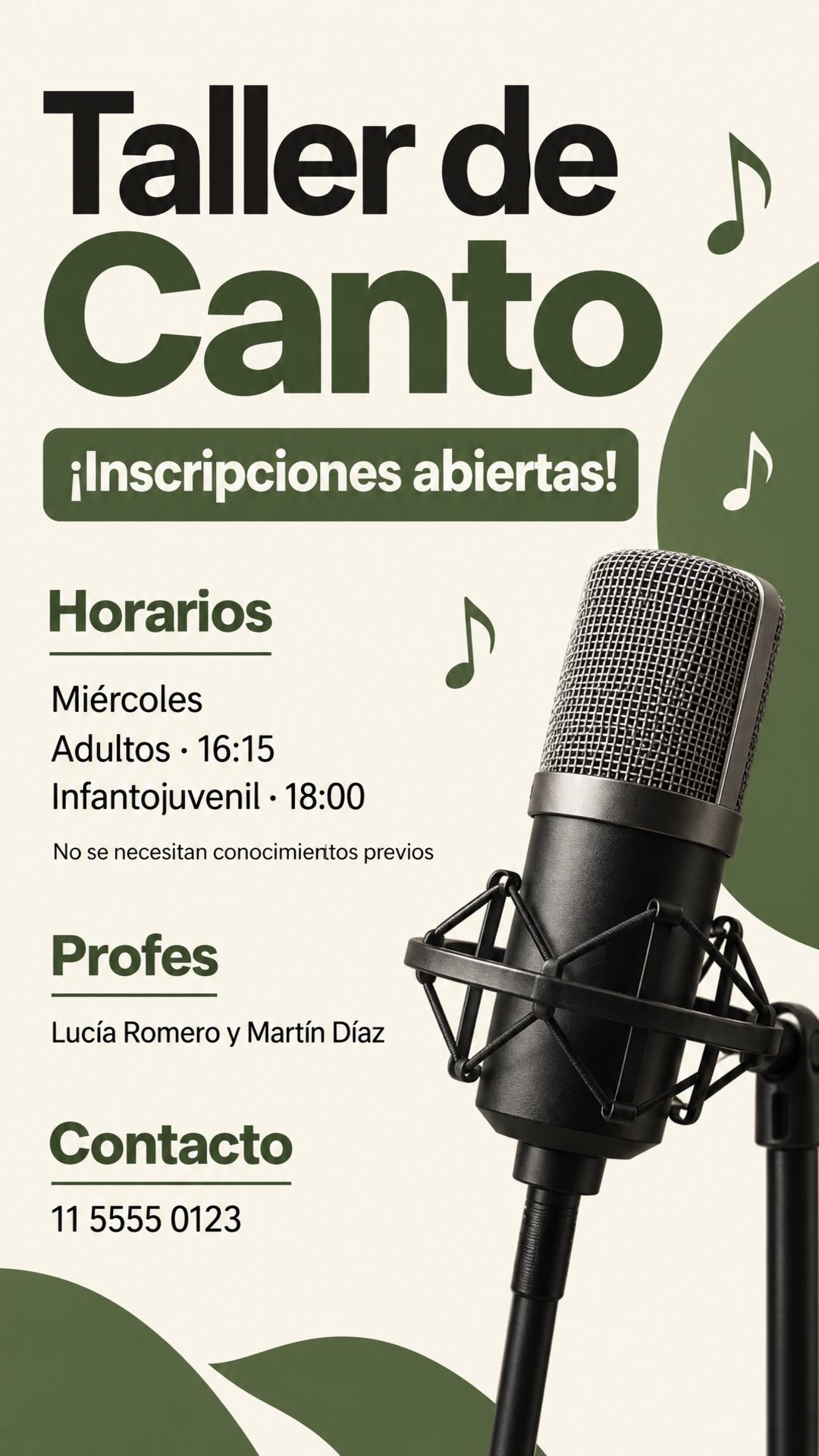
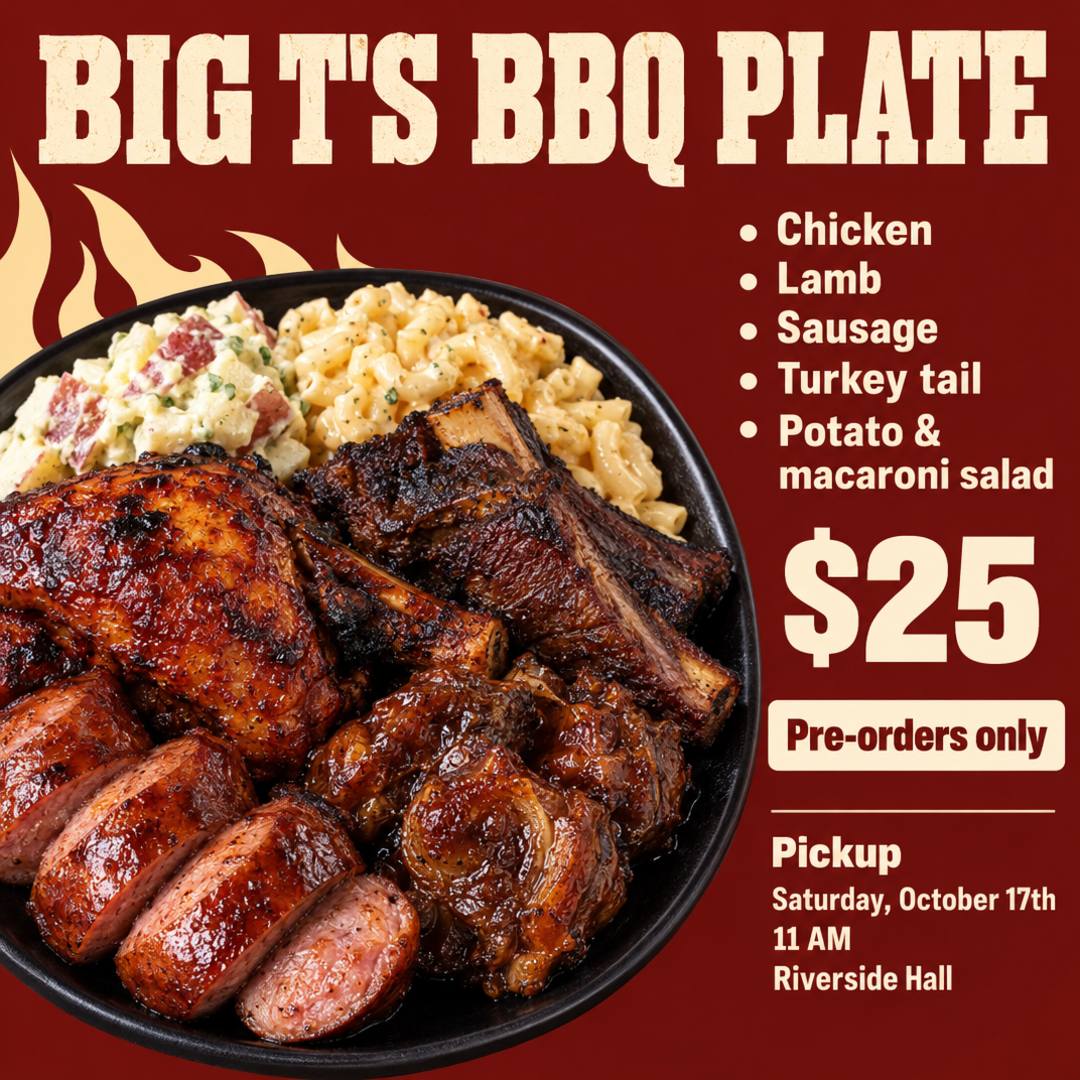
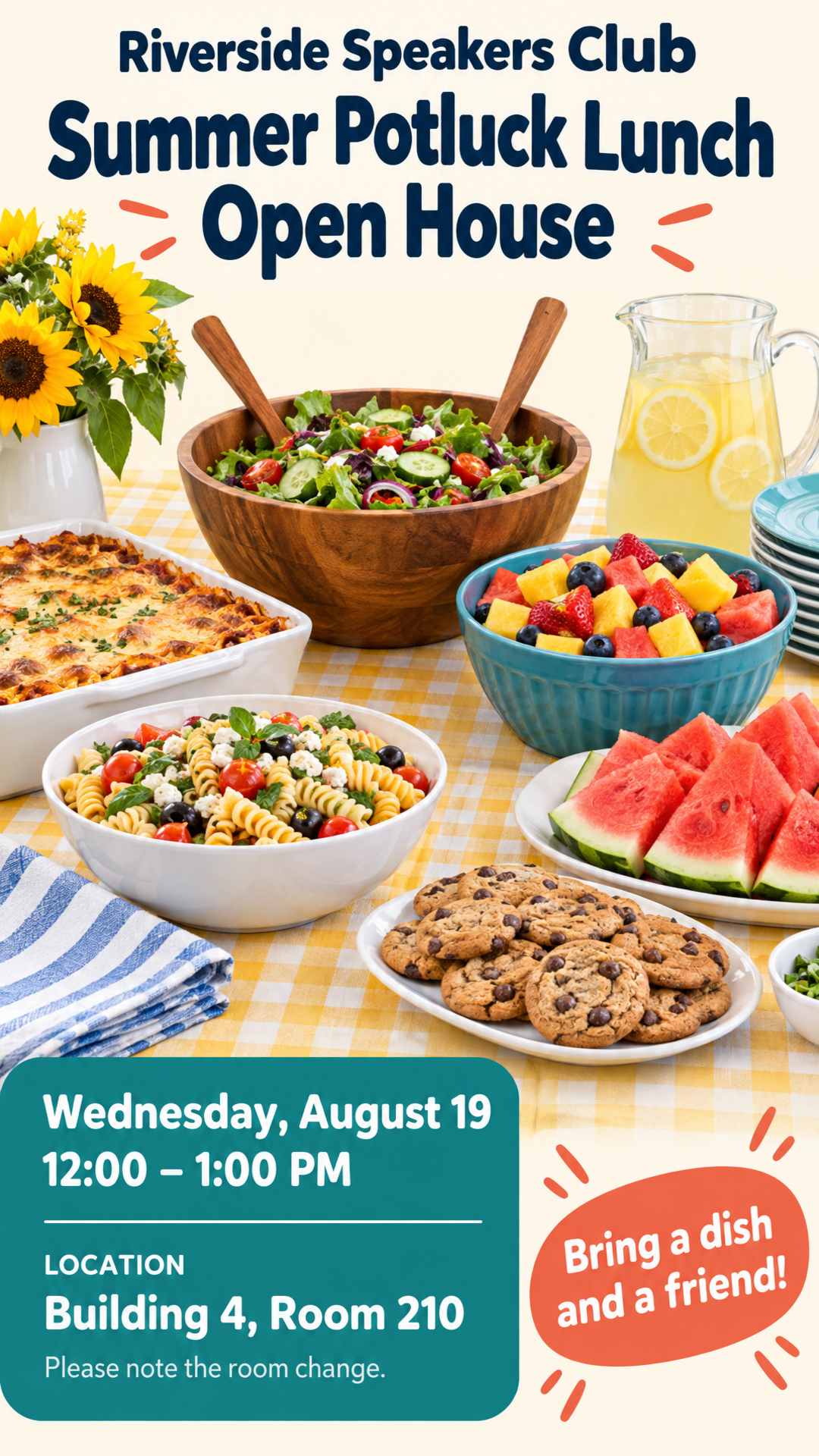
What Is an AI Flyer Generator?
An AI flyer generator turns a short text prompt into a finished flyer. Instead of scrolling through thousands of templates in Canva and dragging text boxes around, you describe what you need: what the flyer is for, when and where, and how to get in touch. The AI handles the flyer design for you: headline, layout, colors, fonts and graphics.
AI Flyer Studio is a free AI flyer generator for anyone who needs to get the word out without a designer, whether it's a grand opening, a Sunday service or a birthday party. Type a few words or paste your whole event post, and in about a minute you have a flyer ready to print or share.
- Gets noticed: a headline that stands out, the key details easy to find and a clear call to action that tells people what to do next.
- Says exactly what you wrote: your details stay word for word, and nothing is made up.
- Ready wherever you promote: print sizes with bleed for the print shop, plus Instagram, Story and other social formats.
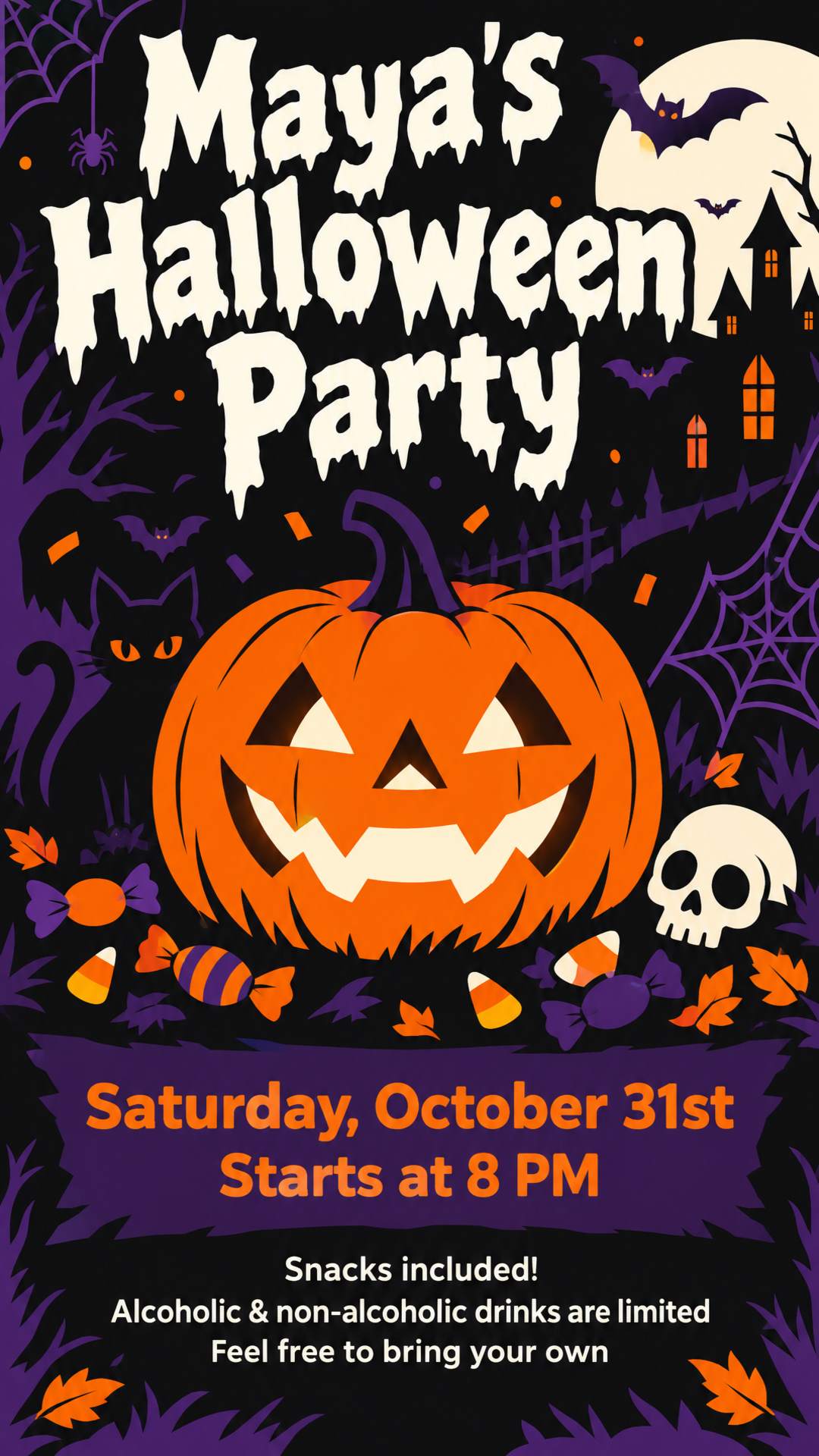
How to Create a Flyer with AI in 3 Steps
No templates to browse and no design tool to learn. The AI flyer creator takes you from idea to finished flyer in about a minute.
Describe your flyer
Type a text prompt like "Halloween party", or paste everything you have: event details, a Facebook post, a price list or a brief from ChatGPT. Any language works.
Add photos or a logo (optional)
Upload your logo, product photos, your storefront, or photos of speakers and guests of honor. You can also upload an old flyer to update it.
Pick a size and let the AI generate it
Choose a print size like US Letter or A4, or a social format like an Instagram post or Story. Click Generate, then download your flyer in high resolution, ready for printing or posting.
AI Flyers for Every Event and Small Business
Party flyers, business flyers, event flyers, menus and more. Describe what you're promoting and the AI flyer generator designs a flyer that fits the occasion.
Parties & Birthdays
Birthday parties, baby showers, house parties and club nights, with the date, venue, dress code and RSVP front and center.
Church & Ministry
Sunday services, revivals, conferences and youth nights, with room for speaker photos, scripture and a full schedule.
Classes & Enrollment
Tutoring, dance, language and training courses, with start dates, fees and how to sign up.
Restaurants & Menus
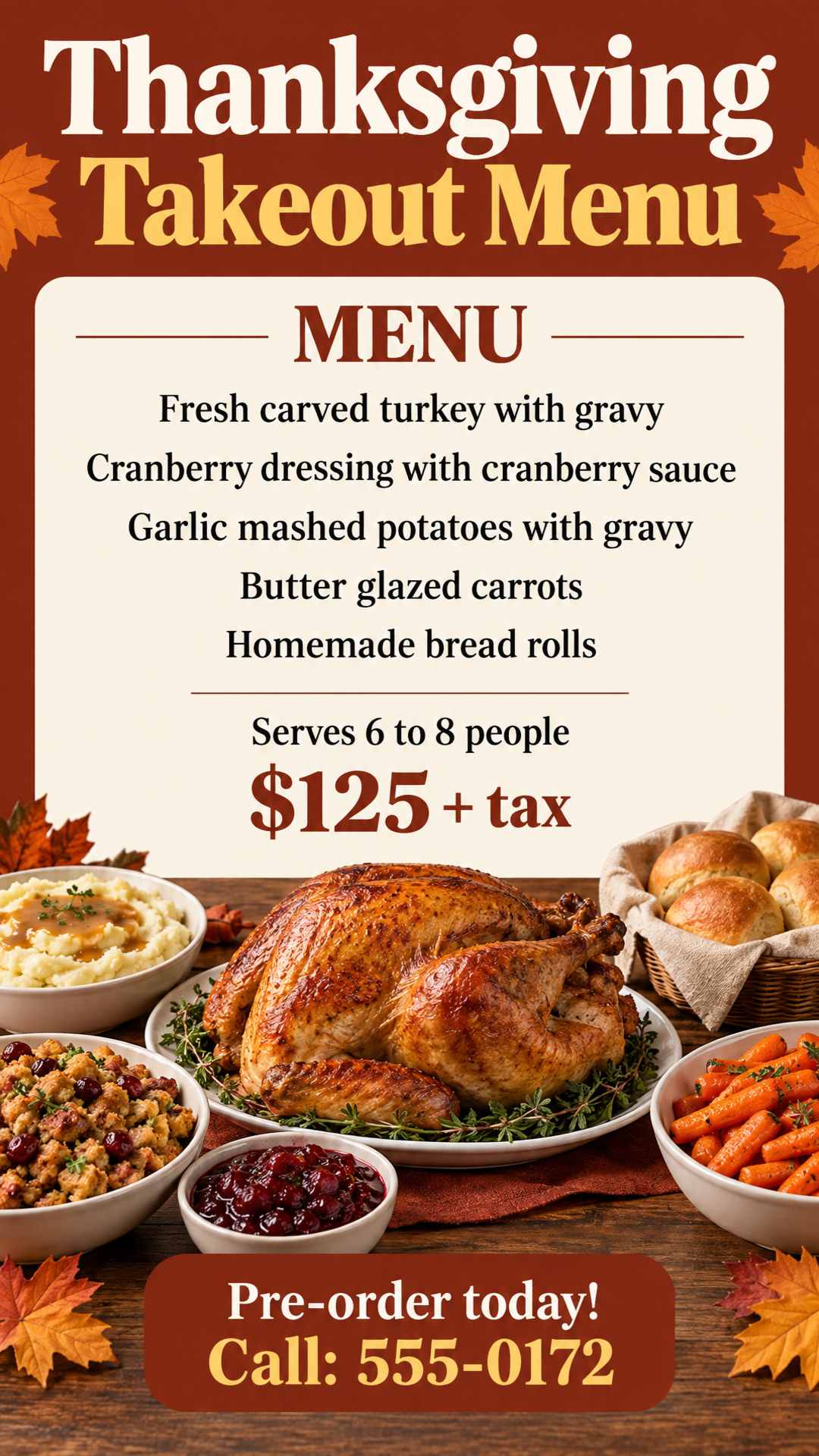
Menus, price lists, daily specials and delivery flyers, laid out so every dish and price is easy to read.
Local Services
Cleaning, lawn care, repairs and moving, with your services, service area and phone number where people look first.
Sales & Grand Openings
Discounts, product launches, holiday sales and grand opening flyers, with the offer as the first thing people see.
Fitness & Sports
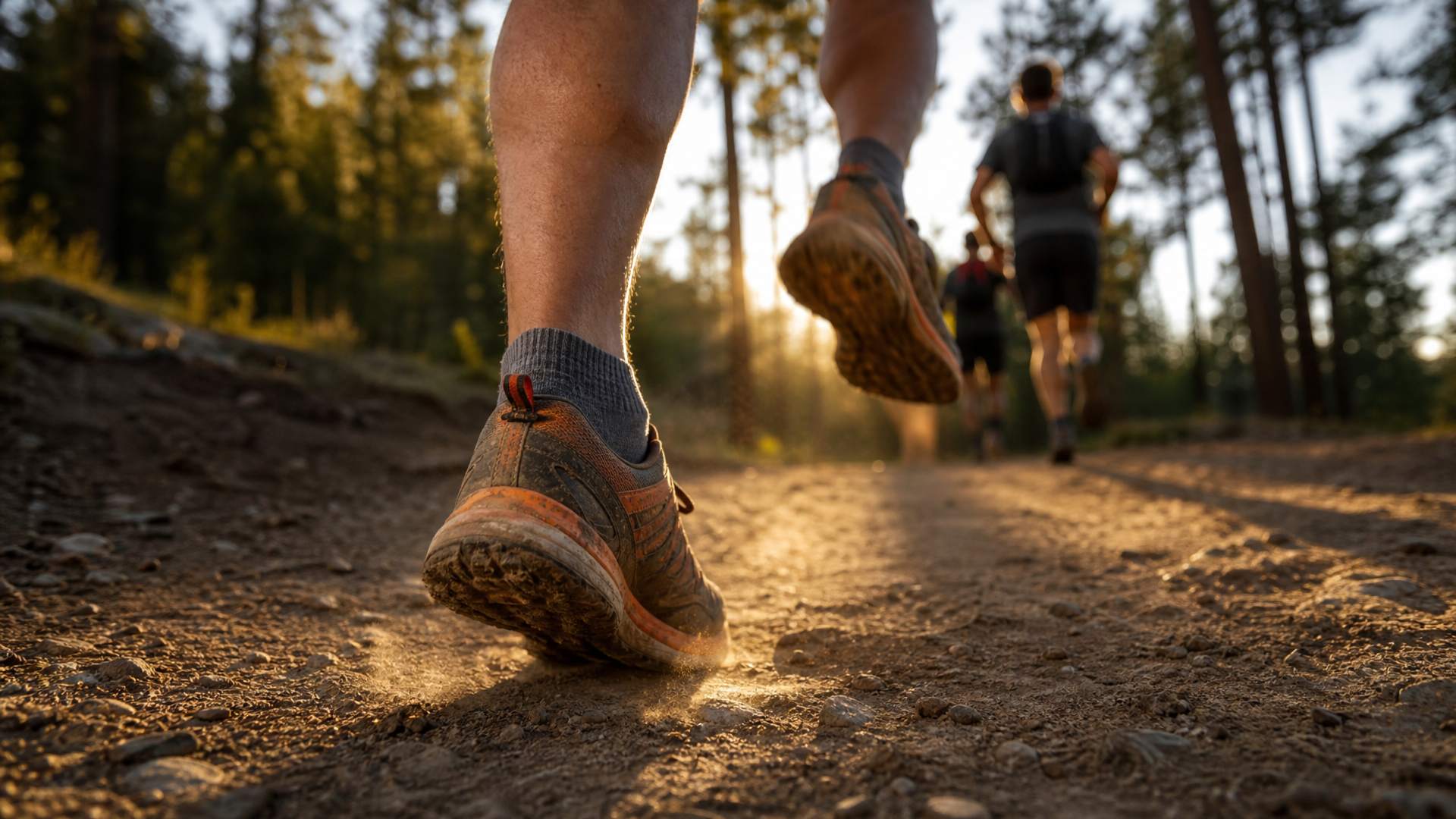
Gym memberships, yoga classes, tournaments and game days, with schedules and prices that are easy to compare.
Real Estate
Open house flyers, just listed and just sold announcements, with the price, address and agent contact clearly laid out.
Why Choose AI Flyer Studio Over Templates and Other AI Tools
Flyer templates mean an hour of drag-and-drop in a design tool. General AI tools are fast, but their flyers are easy to spot: misspelled details, made-up phone numbers and the same glowing look every time. AI Flyer Studio is an AI flyer maker built for flyers only, so it avoids all three.
Your Details, Exactly as You Wrote Them
Dates, times, prices, names, addresses and phone numbers are taken word for word from your prompt. Your flyer only shows the details you gave: no invented phone numbers, websites or fake QR codes. Long text is sorted into clear sections without changing a single fact.
Real Flyer Design, Not the Usual AI Look
Every flyer follows the rules designers use: one headline that stands out, key details that are easy to scan and a clear call to action, so people get your message at a glance and know what to do next. Colors stay within a small, matching palette (your brand colors, if you mention them), without the glows and gradients that give AI images away. And the style fits the occasion: bold and packed for a party flyer, calm and airy for a yoga class.
Flyer Layouts Chosen for Your Content, Not from a Template
The layout comes from what you're saying, not from a template. A menu becomes a neat grid with a picture for each dish. Two membership plans sit side by side. A few words and a strong image become a full-bleed poster. Schedules and course lists get clear sections with headings. Different flyers get different layouts.
Your Photos and Logo, Kept Real
Upload your logo, product shots, storefront or photos of the people on the flyer. Faces are kept as they appear in your photos, and your logo is placed as provided instead of being redrawn. Upload a flyer you like as a reference, and the AI borrows its style without copying its text.
Make Flyers in Your Language
Write in English, Spanish, Portuguese, French, German, Polish or dozens of other languages, and the text on your flyer stays in that language, accents and all. Nothing is translated unless you ask for it.
Edit Your Generated Flyer Without Starting Over
Every flyer stays editable. Spotted a wrong date or need a new phone number? Upload your flyer and say what to change, like "Change the date to Saturday, May 9." Only that detail changes. The layout, colors, photos and every other line stay the same.
Animated Flyers for Reels, Stories and TikTok
Turn on Animated Flyer and you get your flyer plus a 5-second looping video. The people, pets and lights on your flyer move gently, while every word and number stays still and easy to read. Post it to Instagram Reels, Stories or TikTok, or play it on a screen in your shop, where a moving flyer stands out.
Flyer Sizes for Print and Social Media
Pick from common flyer sizes before you generate. Your flyer is designed for that size from the start, not cropped to fit afterward.
For print
Generated at 300 DPI with 0.125 in (3 mm) bleed on every side, so it's ready for flyer printing at a print shop or on your home printer. Pixel sizes include the bleed.
- A4210 x 297 mm2555 × 3583 px
- A5148 x 210 mm1823 × 2555 px
- A6105 x 148 mm1315 × 1823 px
- US Letter8.5" x 11"2625 × 3375 px
- Half Letter5.5" x 8.5"1725 × 2625 px
- Postcard4" x 6"1275 × 1875 px
For social media
Sized for each platform's feed, story, landscape and pin formats, so you can download or share right away.
- Instagram & Facebook feed4:51080 × 1350 px
- Stories, Reels & TikTok9:161080 × 1920 px
- Instagram, Facebook, LinkedIn & X1:11080 × 1080 px
- Instagram profile grid3:41080 × 1440 px
- Pinterest pin2:31000 × 1500 px
- Facebook event covers, LinkedIn & X1.91:11200 × 630 px
Not sure which flyer size to pick? US Letter (8.5 x 11 inches) is the standard flyer size in the US, and A4 is the standard almost everywhere else. For handouts and counter displays, Half Letter or A5 works well. Need a different flyer format? Set a custom size in the generator.
What to Include on a Flyer (and in Your Prompt)
An eye-catching flyer answers three questions in a few seconds: What is it? Why should I care? What do I do next? Put those three things in your prompt and the AI flyer generator does the rest.
A headline that stops people
The event name, the offer or the one benefit that matters most, like "40% Off All Knitwear" or "First Class Free".
The key details
What it is, the date and time, the place, the price, and who is speaking or performing. Leave out anything readers don't need in order to act.
A clear call to action
How to book, buy or show up: a phone or WhatsApp number, a website, an address or an RSVP. If you have a QR code, upload it as an image.
Prompt tips for better AI flyers
- Say what the flyer is for and who it's for. The AI uses this to choose the right style and layout.
- Put wording that must stay exactly the same in quotes, like "Grand Opening Saturday 10 AM".
- Skip buzzwords like "8K" or "ultra-detailed". Mention brand colors or a mood only if they matter to you.
- Want every word kept as is? Add "keep all text exactly" to your prompt.
Example prompt
Kids' summer art camp at "Little Brush Studio". "July 7 to 18, Monday to Friday, 9 AM to 12 PM". Ages 6 to 12, $180 per week. Sign up at littlebrush.com or call 555-0182. Bright and playful.
Start Free, Then Pick a Plan
New users get free credits to start!
Not satisfied with your flyers after purchasing? You can request a refund.
Monthly
$14.9/month
40 Credits
- Credits renew monthly
- Animated flyers
- Cancel anytime
- No watermark
Yearly
$133.9/yearSave $44.9
480 Credits
- Credits renew yearly
- Animated flyers
- Cancel anytime
- No watermark
One-time
$49.9
120 Credits
- Credits never expire
- Animated flyers
- One-time payment, no subscription
- No watermark
AI Flyer Generator FAQ
What is an AI flyer generator?
An AI flyer generator is a design tool that creates a flyer from a text description instead of a template. You describe the event, offer or business and add your details, and the AI creates the headline, layout, colors, fonts and graphics. There's no need to find the perfect flyer template first: the AI builds a custom flyer around your content. With AI Flyer Studio you can also add your own photos and logo and choose an exact print or social media size.
Is AI Flyer Studio free to use?
Yes, the AI flyer maker is free to start. New users get free credits when they sign up, enough to create a first flyer. Each flyer uses 2 credits, and flyers made on the free plan carry a small watermark. For more flyers without a watermark, choose a one-time credit pack (credits never expire) or a monthly or yearly plan. If you're not happy with your flyers after buying, you can ask for a refund or get your credits back.
Do I need design skills to make a flyer with AI?
No. If you can describe your event or business, you can make a flyer. The AI decides the layout, colors, fonts and visuals for you. If you have preferences, like your brand colors or a style you like, just mention them in your prompt.
How do I write a good prompt for an AI flyer generator?
Start with what the flyer is for, then list the details readers need: the headline or offer, date and time, place, price and how to contact you. Put any wording that must stay exactly the same in quotes. You don't need style keywords; mention colors or a mood only if they matter to you.
Can I upload my own logo and photos?
Yes. You can upload images such as your logo, product photos, your storefront or photos of people. Logos are placed as provided, and faces are kept as they appear in your photos. You can also upload a flyer you like as a style reference.
Will the AI get my dates, prices and phone numbers right?
AI Flyer Studio takes every date, time, price, name and phone number word for word from your prompt and never adds details you didn't give. AI image models can still occasionally draw a letter or number wrong, so check your flyer before printing. If something is off, upload the flyer and ask to fix just that detail.
Can I edit my flyer after it's generated?
Yes. Upload the flyer and describe the change, for example "Change the phone number to 555-0123" or "Replace the photo on the right with my image." Only that part changes, and everything else stays as it is. Each edit uses the same credits as a new flyer.
Can I make an animated flyer or video flyer?
Yes. Turn on Animated Flyer before you click Generate, and you get your flyer image plus a 5-second looping MP4 video. Only small, natural motions are added, like a blink, a gentle sway or glowing lights, so your text stays still and readable. An animated flyer uses 4 credits in total (2 for the image and 2 for the video). Videos are silent by default, and you can choose to include auto-generated sound.
Can I make flyers in Spanish or other languages?
Yes. Write your prompt in Spanish, Portuguese, French, German or almost any other language, and the text on your flyer stays in that language. Nothing is translated unless you ask. Languages written in the Latin alphabet give the most reliable results; for scripts like Arabic or Hindi, check the text carefully before printing.
Are AI-generated flyers good enough to print? What size should a flyer be?
Yes. Print sizes are generated at 300 DPI with 0.125 in (3 mm) bleed on every side. The standard flyer size in the US is US Letter (8.5 x 11 in), and most other countries use A4. Half Letter, A5, A6 and 4 x 6 in postcards are also available, along with Instagram, Story, square, landscape (1200 x 630) and Pinterest sizes for social media.
What file format do I get? Can I export a PDF?
You download your flyer as a PNG at the exact size you picked, ready to print, post or share. Animated flyers also come as an MP4 video. PDF export isn't available yet.
Can I use the flyers for my business?
Yes. You can use the flyers you create for any lawful purpose, including marketing, printing and handing them out for your business. Flyers made with free credits carry a small watermark; flyers made with paid credits don't.
How is AI Flyer Studio different from Canva or ChatGPT?
Canva starts from a template that you edit yourself with drag-and-drop, which is great if you want control over every element and have the time. ChatGPT can create a flyer image from a chat, but details often come out misspelled or made up, and it only offers a few fixed sizes. AI Flyer Studio is built only for flyers: it keeps your details word for word, picks a layout that fits your content and gives you exact print and social media sizes.
Ready to Make Your Flyer with AI?
Describe what you need or paste your details, click Generate and download your flyer in about a minute. Your first flyer is on us.