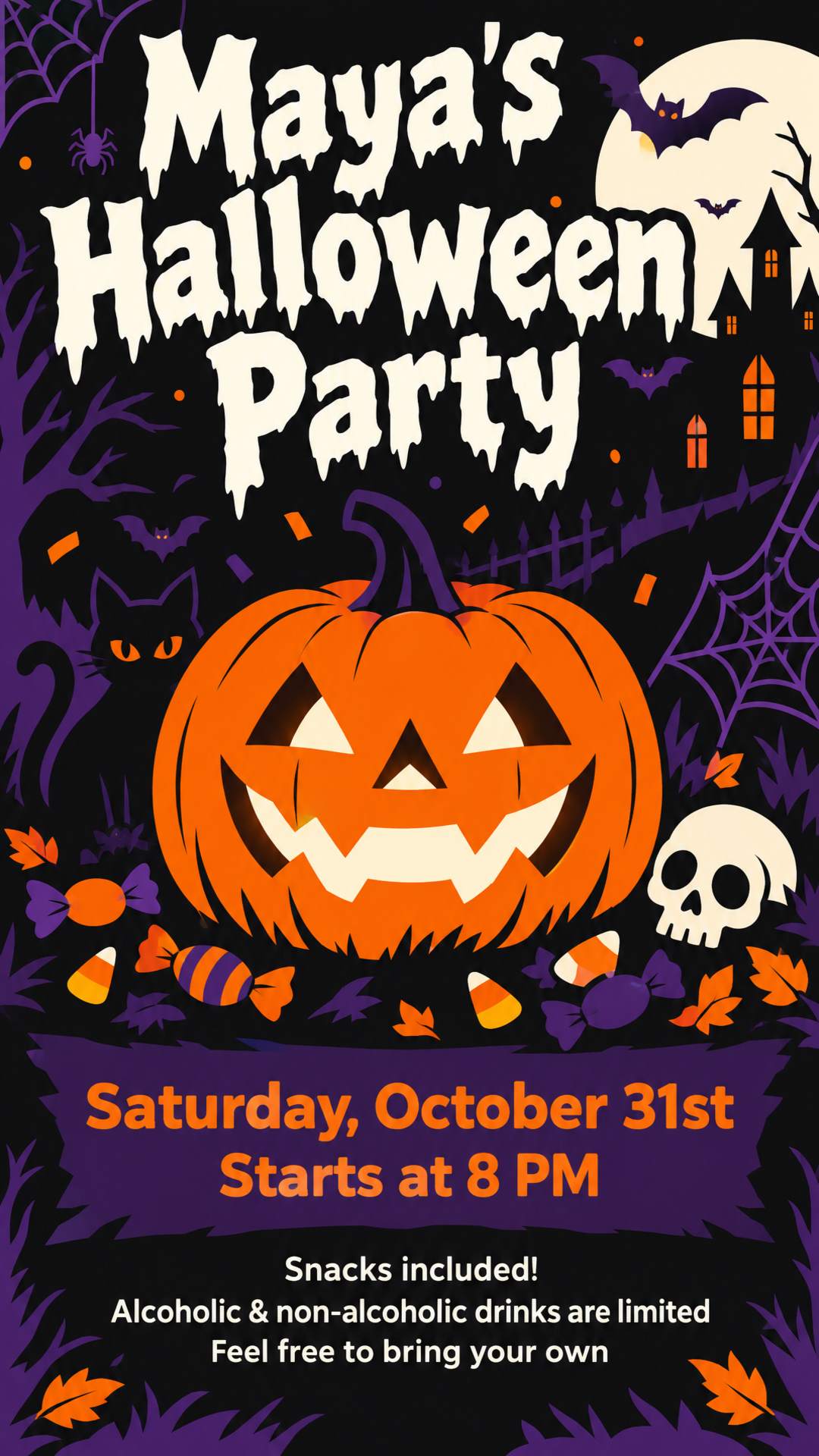
Halloween House Party Flyer
The host, the date and start time, what's provided, and what guests should bring. Made for group chats and Stories.
Bring out the costumes and the crowd. Create a Halloween flyer people want to share, from a single line or the announcement you already wrote.
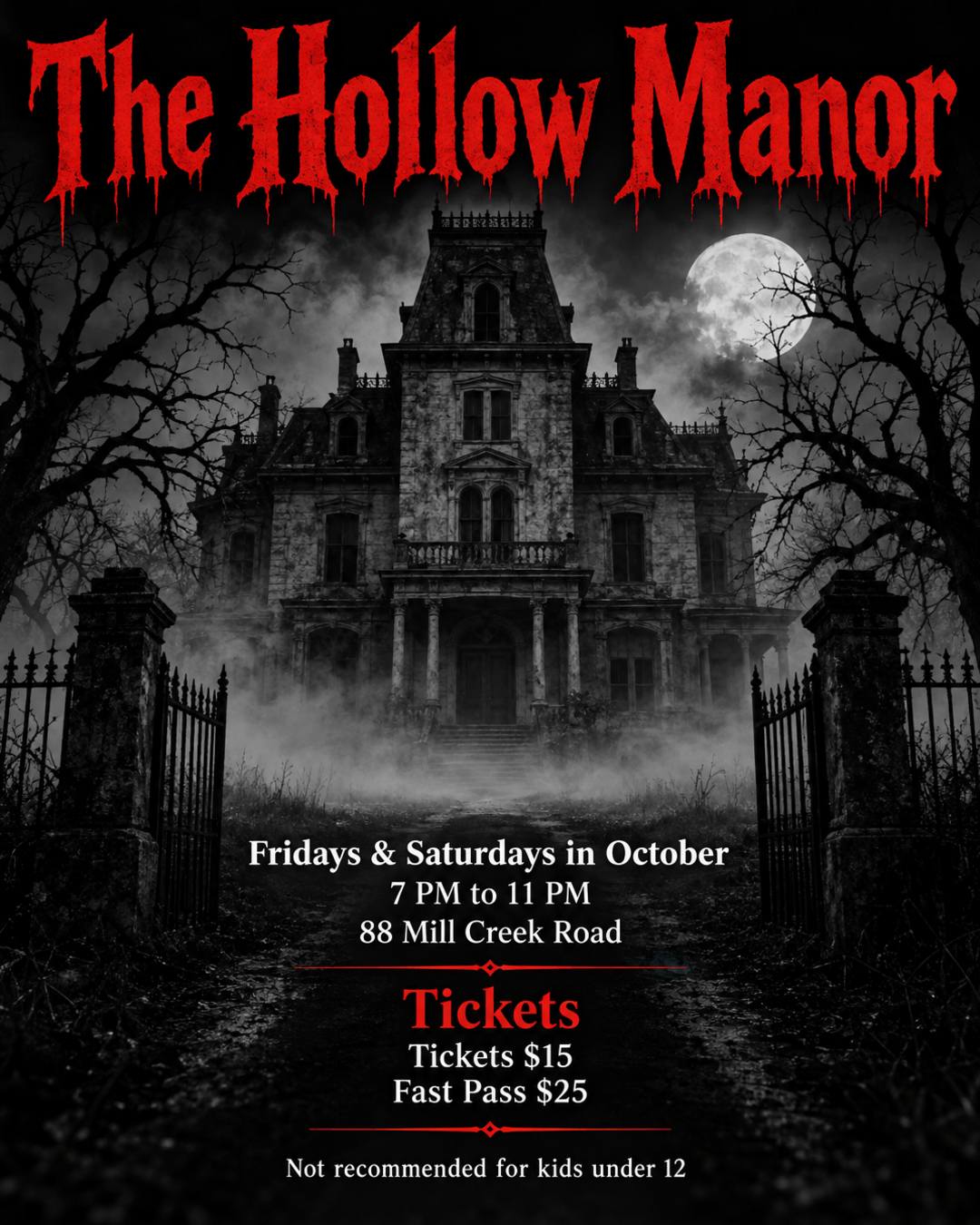
No design skills or Halloween flyer template needed. The AI Halloween flyer generator does the design.
Write one line or paste your announcement, with the event name, date, time, and place. Say whether it should be spooky or kid-friendly. Any language works.
Optional: upload your company or venue logo, a photo of your shop or products, or last year's flyer to update.
Choose US Letter or A4 to print, or 9:16 for Instagram Stories. Download the flyer, or add a sign-up or ticket QR code in the editor.
From one line about your event to a flyer ready for the bulletin board, the group chat, or Instagram.
Describe the event, or paste the announcement you already wrote, emojis and all. You get a complete design, with dates, times, prices, and addresses kept as you wrote them.
Upload your logo, a photo of your shop, or your products, and they become part of the design. You can also upload a flyer you like as a style reference.
Upload last year's flyer or the one you just made and say what to change, such as a new date or an added session. The rest stays as close to the original as possible.
Open the editor to add your own text and real images, such as a sign-up or ticket QR code, and adjust brightness, contrast, and saturation.
US Letter and A4 for print at 300 DPI with bleed, 9:16 for Instagram and Facebook Stories, and 4:5 for feed posts. Custom sizes too.
Write in English, Spanish, or your own language. The text on the flyer stays in that language.
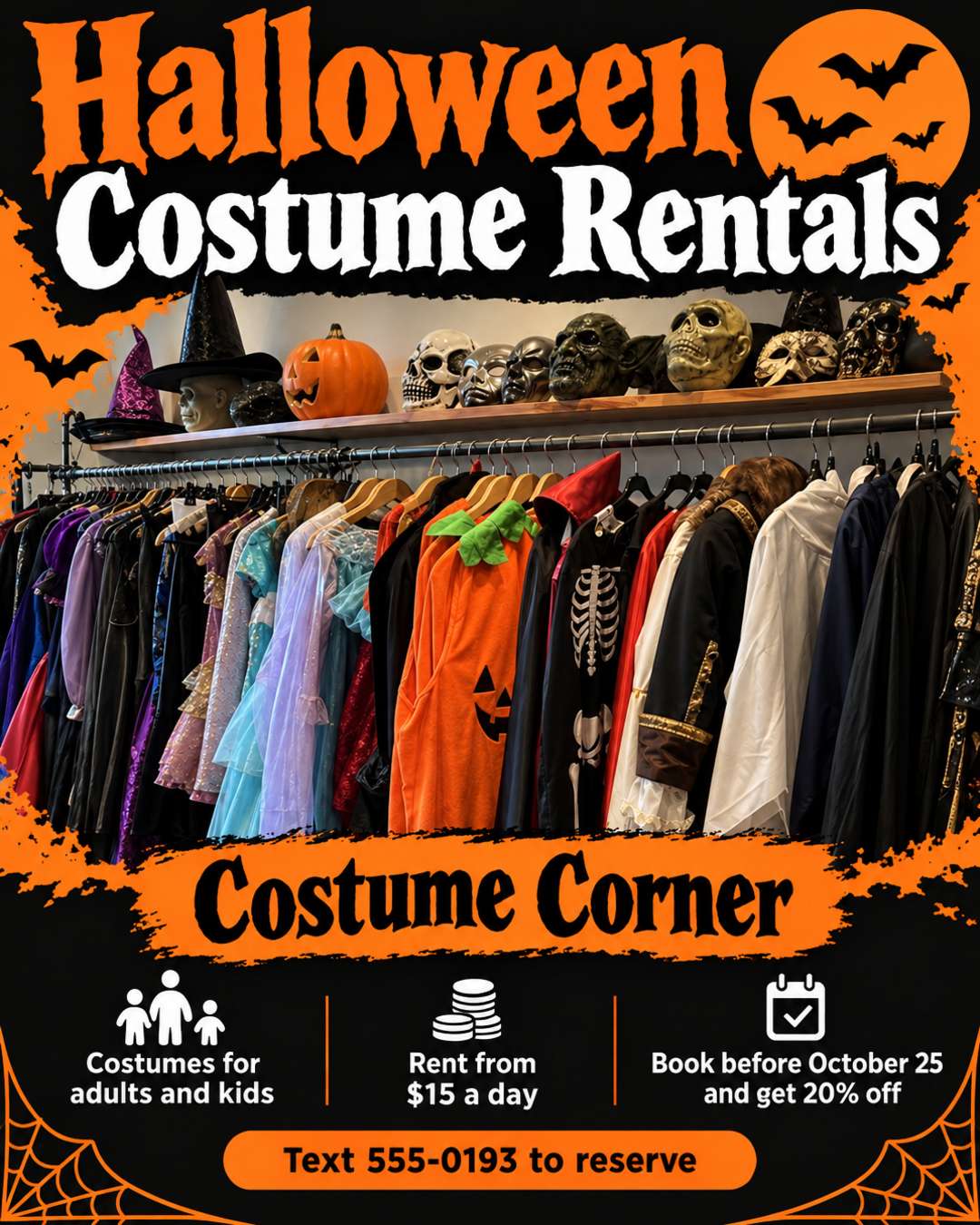
Halloween flyers made from a shop photo, a pasted promo post, and a one-line edit.
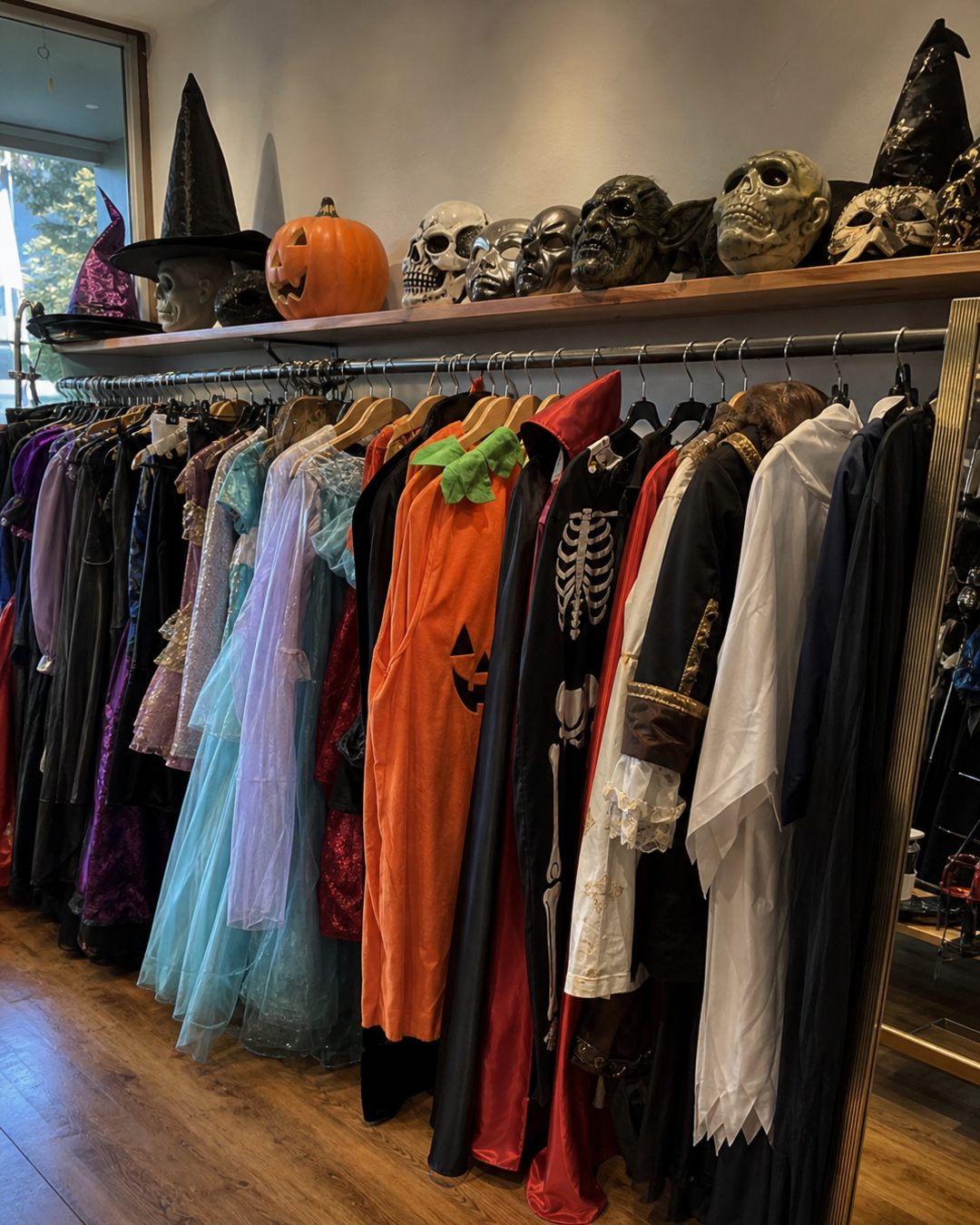
Upload a photo of your shop or products and describe the offer. The flyer is designed around your photo, with the price, discount, deadline, and phone number laid out next to it.
Pasted promo post
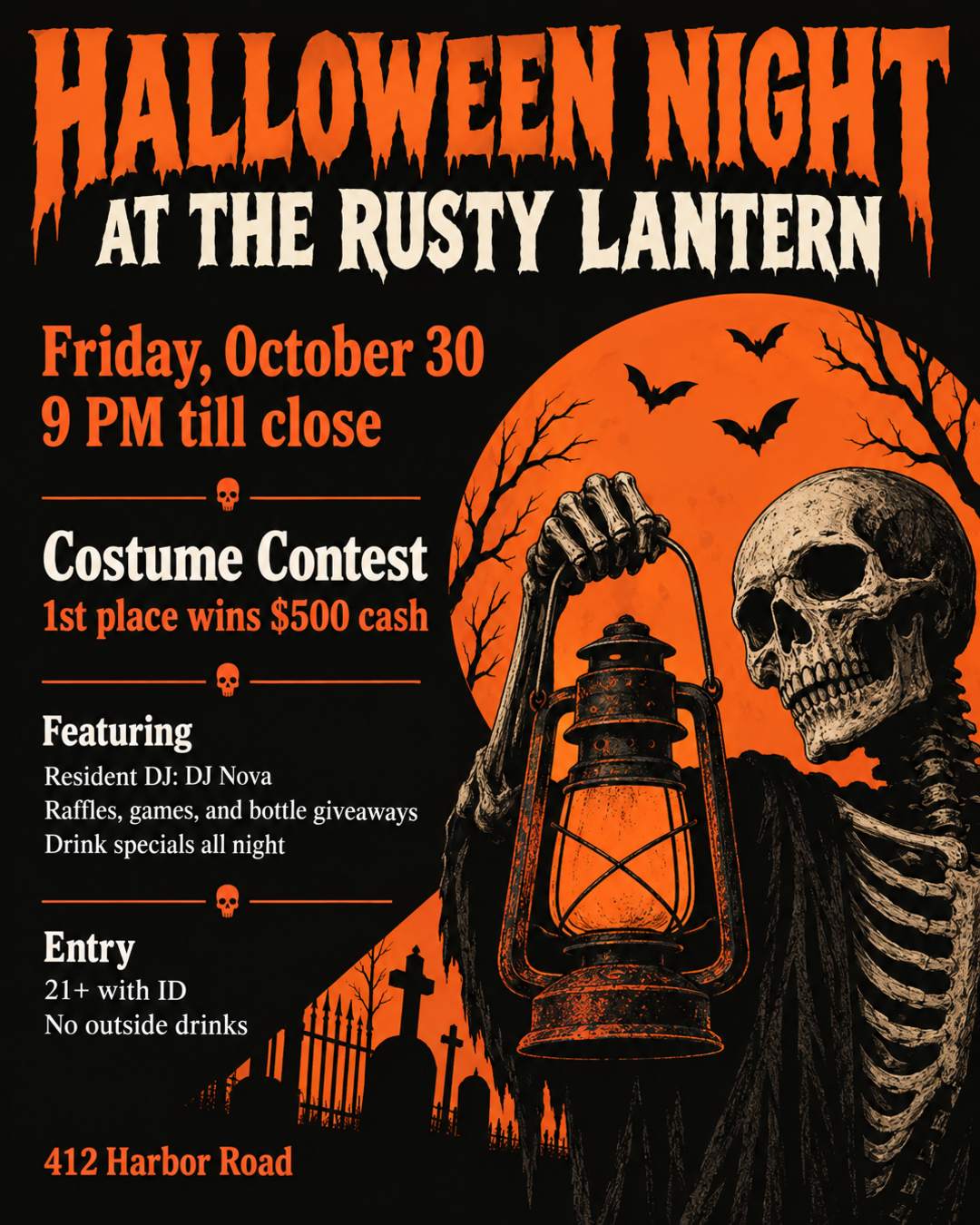
🎃 HALLOWEEN NIGHT AT THE RUSTY LANTERN 🎃 Friday, October 30 · 9 PM till close 💀 Costume contest: 1st place wins $500 cash 🎧 Resident DJ: DJ Nova Raffles, games, and bottle giveaways Drink specials all night 21+ with ID. No outside drinks 📍 412 Harbor Road
Paste the promo the way you would post it, one line per detail. The contest prize, DJ, giveaways, age limit, and address are organized into a clear layout, with every number kept as written.
Edit request
Add an adults' night: 8 PM - 12:30 AM with a snack buffet. Keep everything else the same.
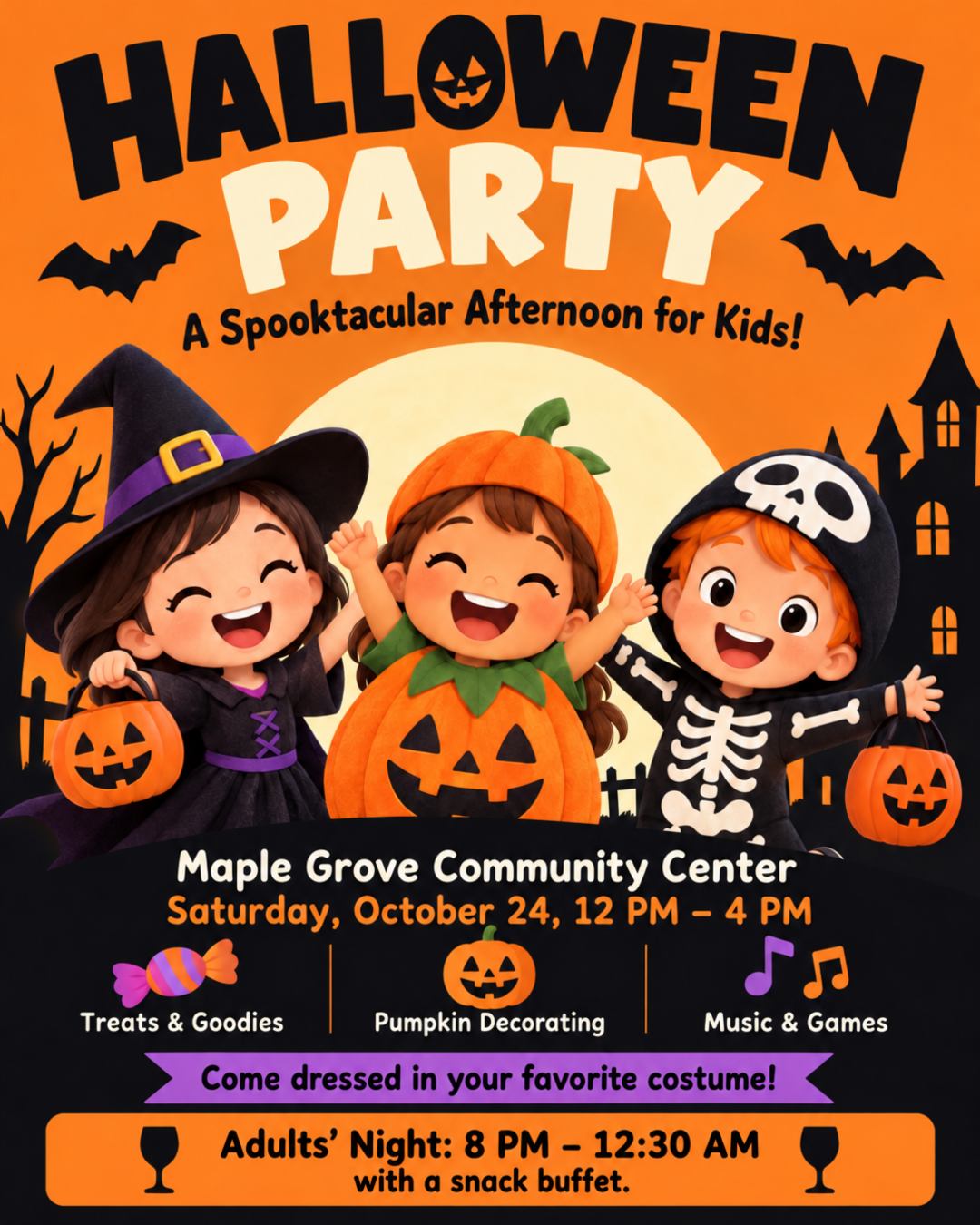
Plans grow. Upload the flyer you already shared and write one sentence about what's new. You get an updated flyer with the same look, ready to post again.
Print a stack for the neighborhood or post it to your Story. Every size gets its own layout.
Generated at 300 DPI with 0.125 in (3 mm) bleed on every side. Pixel sizes include the bleed.
Feed, Story, square, landscape, and Pinterest formats. The 9:16 Story size also fits WhatsApp Status.
US Letter (8.5 x 11 in) is the standard flyer size in the US, and A4 is standard almost everywhere else. Need another size? Set a custom size in the generator.
Start from the example closest to your event. Each flyer was made from the prompt behind it, so use it and swap in your own details.
The host, the date and start time, what's provided, and what guests should bring. Made for group chats and Stories.
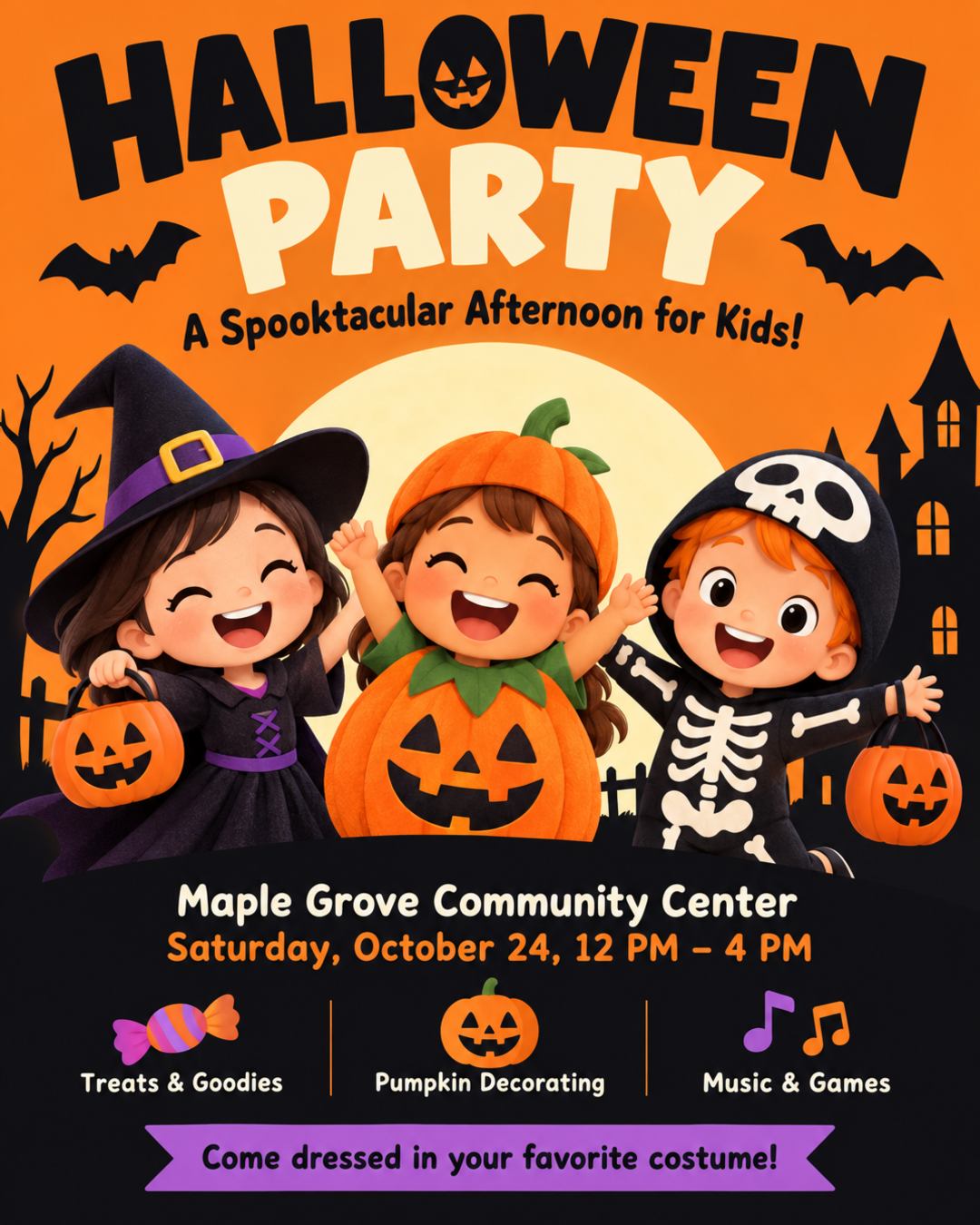
Bright and friendly, with the time, the place, and the activities. For schools, community centers, and home parties.
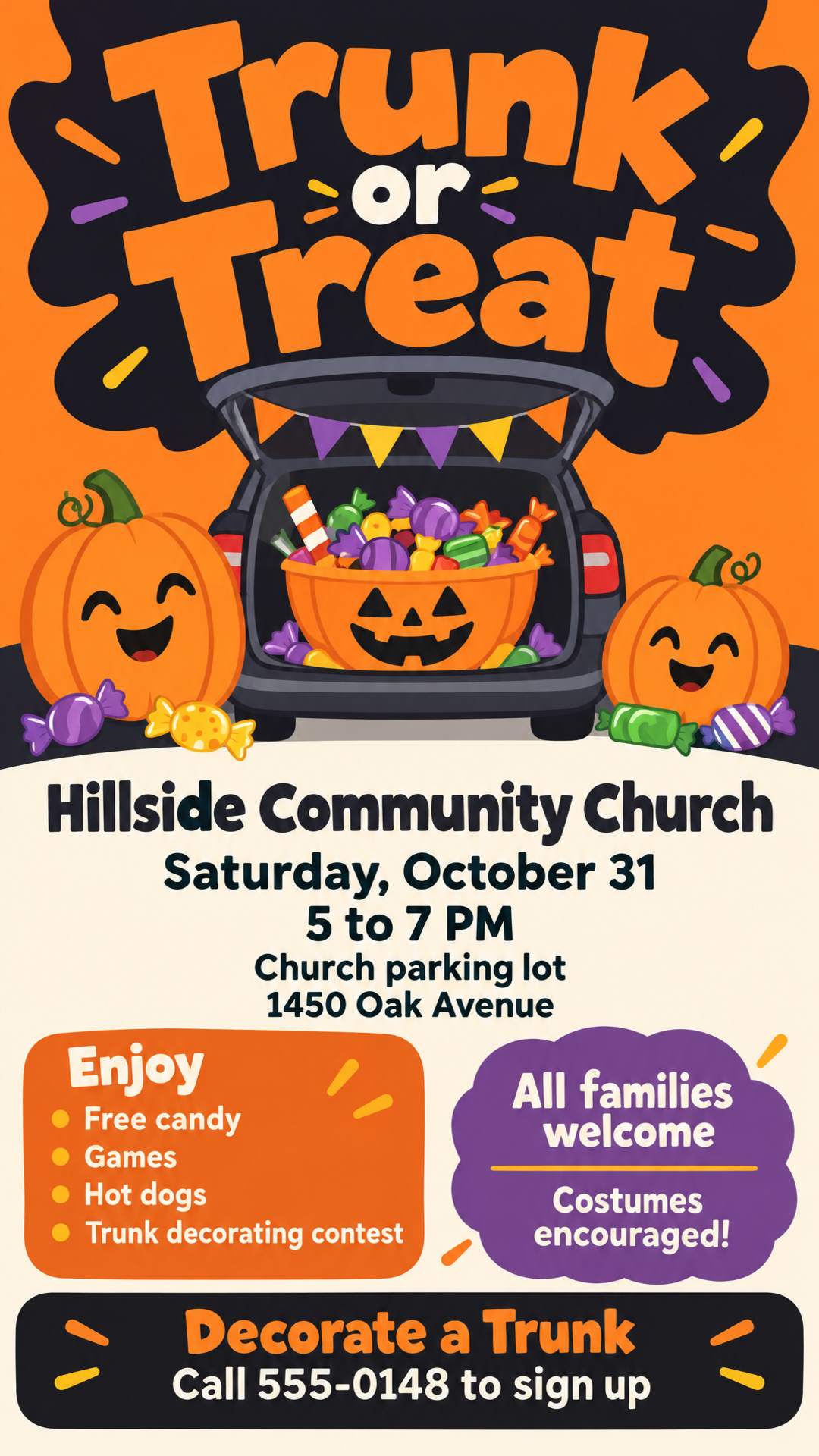
Family-friendly imagery with the time, the parking lot, what's free, and how to sign up to decorate a trunk.
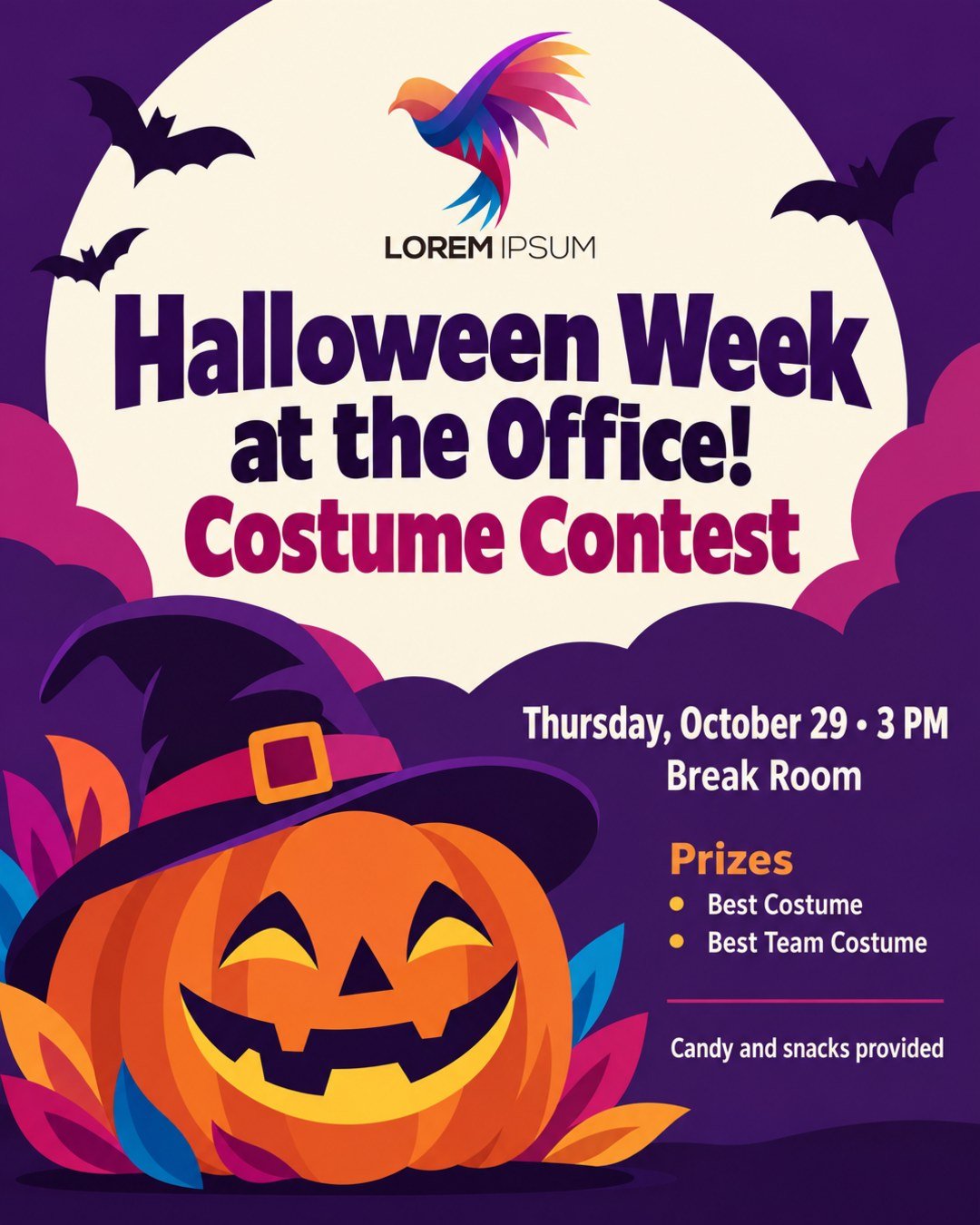
Your company logo, the contest time and room, and the prize categories, for the break room or the team chat.
The contest prize, DJ, drink specials, age limit, and address, with a headline that stops the scroll.
Open nights, hours, ticket prices, and an age warning, in a look as scary as the attraction.
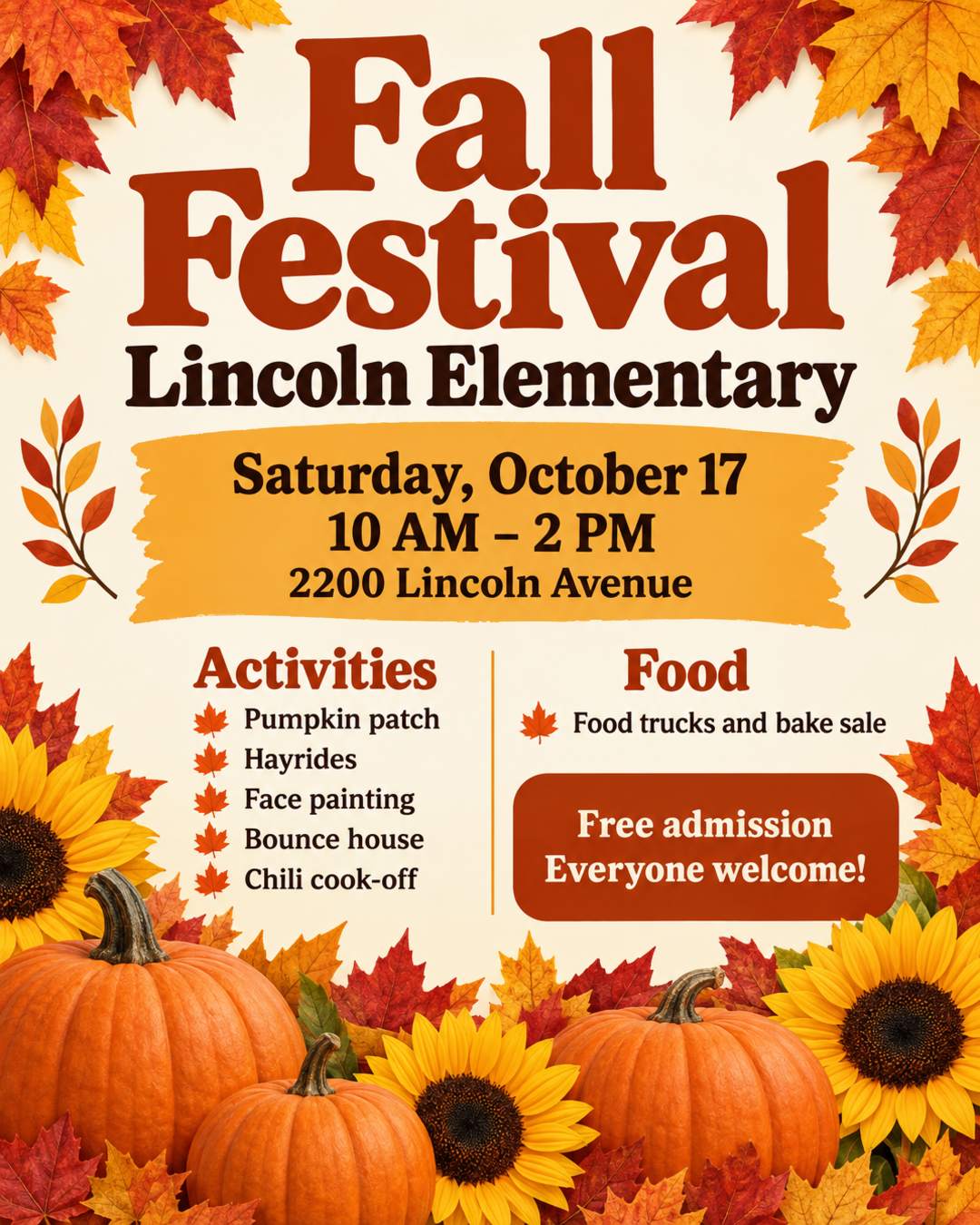
A warm autumn look for school and church festivals, with the activities, the food, and free admission.
Your shop or product photo, the offer, the deadline, and how to order. For costume shops, salons, bakeries, and stores.
Names, venues, addresses, and phone numbers in these examples are fictional.
An AI Halloween flyer creator starts from your event details instead of a fixed layout. Here is how it compares with tools you may already use.
| Halloween Flyer Templates (Canva, PosterMyWall) | ChatGPT and Gemini | AI Halloween Flyer Generator | |
|---|---|---|---|
| Where you start | Pick a template, then replace each line of text | Describe the flyer in a chat | Describe the event or paste your announcement |
| Your logo and photos | Upload and place each one yourself | You can upload images, but may need to explain several times | Upload them and they become part of the design |
| Dates, prices, and addresses | Accurate, because you type them in | Can misspell or invent details | Kept as you wrote them, nothing invented |
| Print and Story sizes | Each size needs its own edit | A few fixed aspect ratios | US Letter, A4, 9:16, 4:5, and more, with bleed for print |
| Next weekend or next year | Find the design again and edit it | Describe it all again | Upload the old flyer and change it in one sentence |
| Best for | Full manual control over every element | Quick drafts if you already pay for a subscription | A finished flyer you can print or post right away |
Yes, you can start free. New users get free credits when they sign up, and each flyer uses 2 credits. Flyers made with free credits carry a small watermark; flyers made with paid credits don't.
One line is enough to start, such as "Halloween party at my place, Saturday Oct 31 at 8, snacks provided". Add the event name, the date and time, the place, and anything guests need to know. Say whether it should be spooky or kid-friendly, and name colors if you have them in mind. You can also paste your announcement as it is. Put any wording that must appear exactly in quotes.
Start with the event name, the date, the start and end time, and the address. Then add whatever helps people decide to come: costumes encouraged or required, contest prizes, food and drinks, the entry or ticket price, an age limit, and how to RSVP or sign up. For a trunk or treat, say how to sign up to decorate a trunk. For a haunted house, list the open nights and an age warning.
Dates, times, prices, addresses, and names are taken from your prompt and kept as you wrote them, and nothing is made up. Because the lettering is drawn into the image, a letter can occasionally come out wrong, so check the flyer before you post or print it. If something is off, upload the flyer and ask to fix just that detail.
Yes. Say so in your prompt, for example "cute and colorful, cartoon pumpkins, nothing scary" for a school party or trunk or treat, or "dark and creepy, blood red lettering" for a haunted house or bar night. Colors work the same way: classic orange and black, purple and green, or any colors you name.
Yes. Instead of searching through templates and editing every line, you describe your event and get a design made for it. If you like a flyer or template you've seen, upload it as a style reference.
Yes. Upload your logo with your prompt and say what it is, such as "our company logo, put it at the top". Logos are redrawn as part of the design, so if yours doesn't look exact, generate again or place the original file with the editor.
Yes. Generate the flyer first, then upload your real QR code image in the editor and place it where you want. Don't ask the AI to draw a QR code, because a drawn code won't scan.
US Letter (8.5 x 11 in) is the standard size for printed flyers in the US, and A4 almost everywhere else. For Instagram and Facebook, use 9:16 (1080 × 1920) for Stories and 4:5 (1080 × 1350) for feed posts. Generate each size separately so each layout is designed for it. Flyers download as high-resolution PNG files.
Yes. Write your prompt in Spanish, Portuguese, French, or another language, and the text on the flyer stays in that language. Nothing is translated unless you ask. Languages written in the Latin alphabet give the most reliable lettering.
The AI Halloween flyer generator turns your event details into a flyer ready to print or post before October 31.
Sunday services, revivals, anniversaries, and youth programs, with your pastor's photo.
Birthdays, house parties, themed nights, and club events.
Dinner invitations, Friendsgiving, food drives, and church thanksgiving services.
Flyers for any event or small business, in any language.
Bring out the costumes and the crowd. Create a Halloween flyer people want to share, from a single line or the announcement you already wrote.