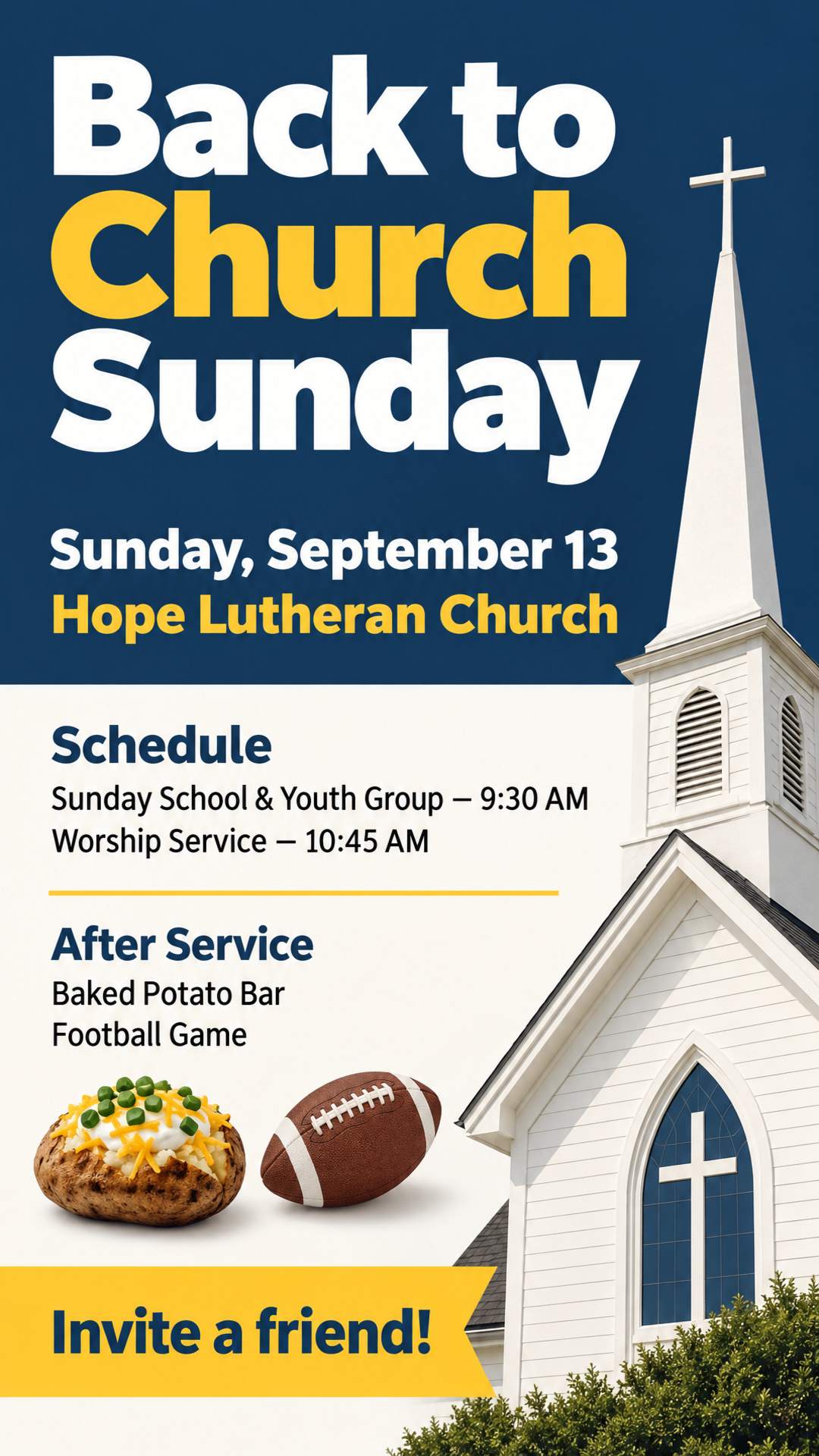
Sunday Service Flyer
Service times, the church name, and a warm invitation. Add Sunday school or a fellowship meal when you have one.
Reach more people in your community. Create a church flyer that invites them in, from a short description or the announcement you already wrote.

No design skills or church flyer template needed. The AI church flyer generator handles the design.
Write a short prompt or paste the announcement you already have, with the date, time, venue, and speakers. Any language works.
Optional: upload photos of your pastor and guest speakers, your church logo, or last week's flyer to update.
Choose US Letter or A4 for print, or 9:16 for WhatsApp Status. Download the flyer, or add your QR code in the editor.
Everything you need to go from service details to a finished church flyer.
Describe the service, or paste your announcement or full program. You get a complete design, with names, dates, and scripture kept as you wrote them.
Upload photos of your pastor, guest speakers, and your church logo, and they are placed into the design. You can also upload a flyer you like as a style reference.
Upload an existing flyer and say what to change, such as a new date or speaker. The rest of the design stays as close to the original as possible.
Open the editor to add your own text and real images, such as a giving QR code or a photo, and adjust brightness, contrast, and saturation.
US Letter and A4 for print at 300 DPI with bleed, plus sizes for WhatsApp Status, Facebook, and Instagram. Custom sizes too.
Write in English, Spanish, Portuguese, French, or your own language. The text on the flyer stays in that language.
Church flyers made from a photo, a pasted announcement, and a one-line edit.
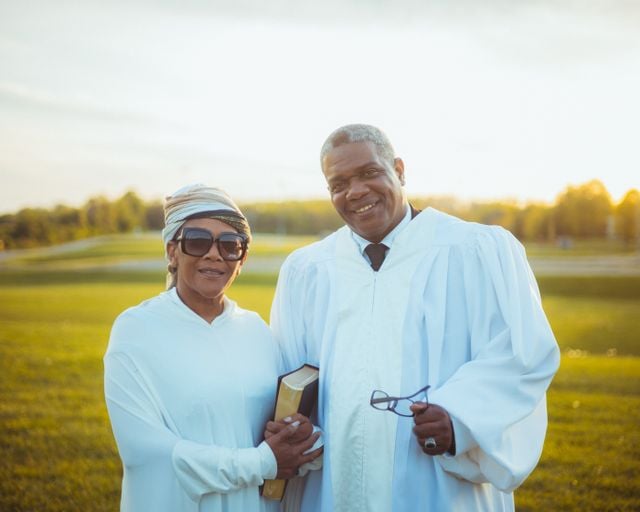
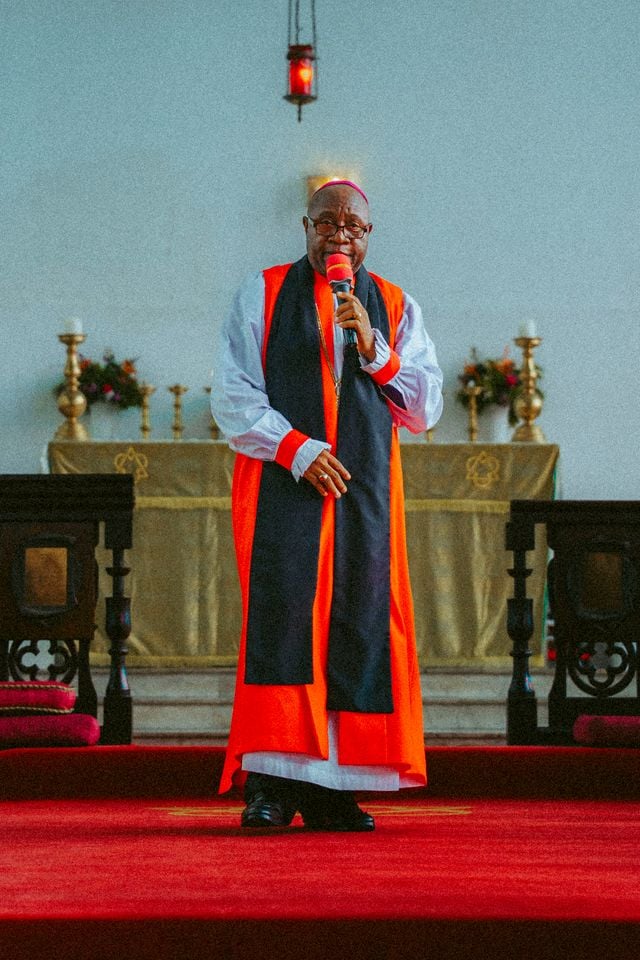
Upload a photo of the guest speaker and describe the event. Say who is in each photo and the title to print under their name, and the flyer is built around them.
Pasted announcement
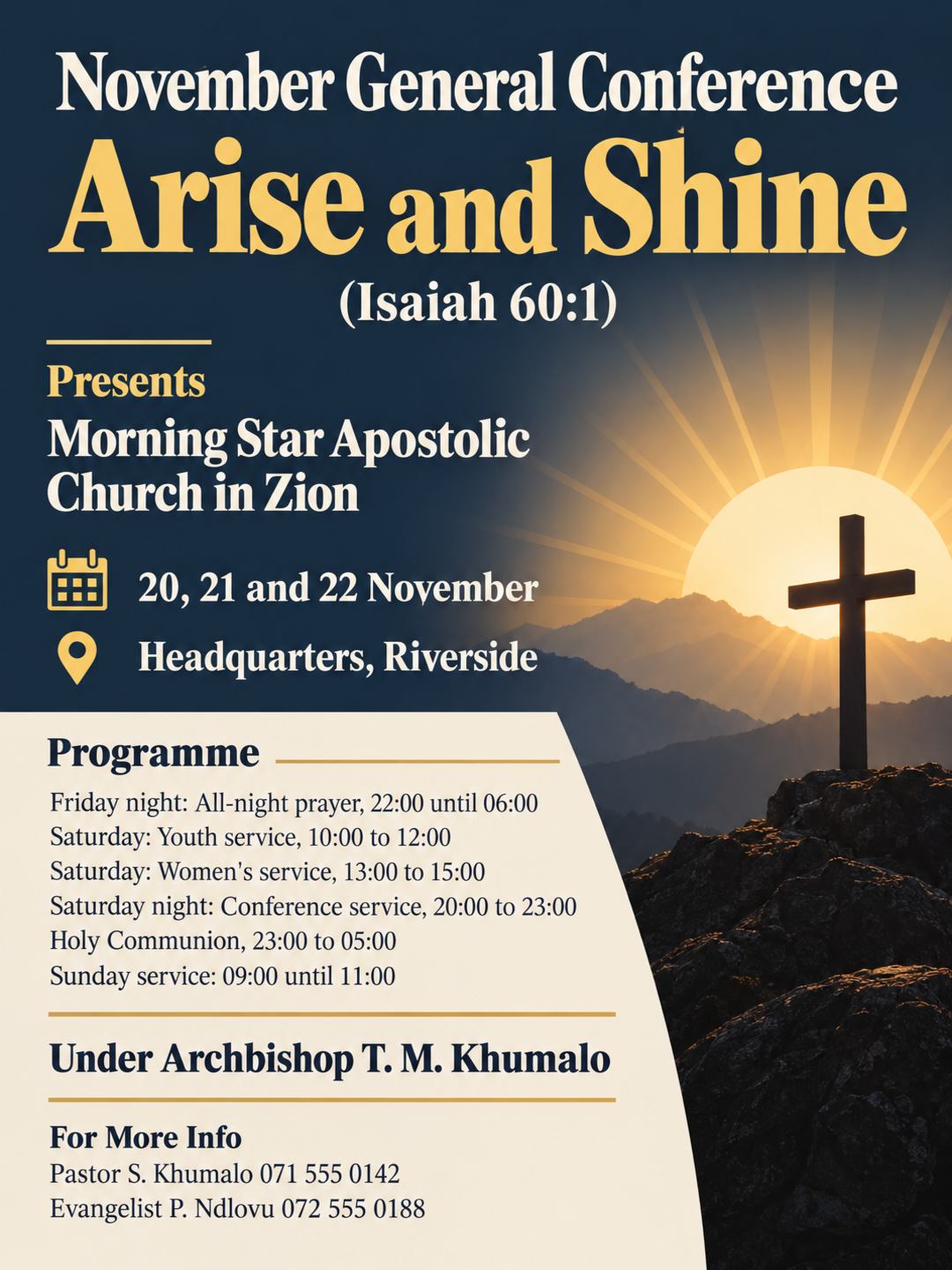
Morning Star Apostolic Church in Zion Presents November General Conference Theme: Arise and Shine (Isaiah 60:1) Date: 20, 21 and 22 November Place: Headquarters, Riverside Friday night: 22:00 until 06:00, all-night prayer Saturday: youth service 10:00 to 12:00, women's service 13:00 to 15:00 Saturday night: conference service 20:00 to 23:00, Holy Communion 23:00 to 05:00 Sunday service: 09:00 until 11:00 Under Archbishop T. M. Khumalo For more info contact Pastor S. Khumalo 071 555 0142 or Evangelist P. Ndlovu 072 555 0188
Paste the whole program the way you would post it in a group chat. The leaders, sessions, times, and contact numbers are organized into a clear layout, with every name and number kept as written.
Edit request
Change the date to September 20 and the worship service to 10:30 AM. Keep everything else the same.
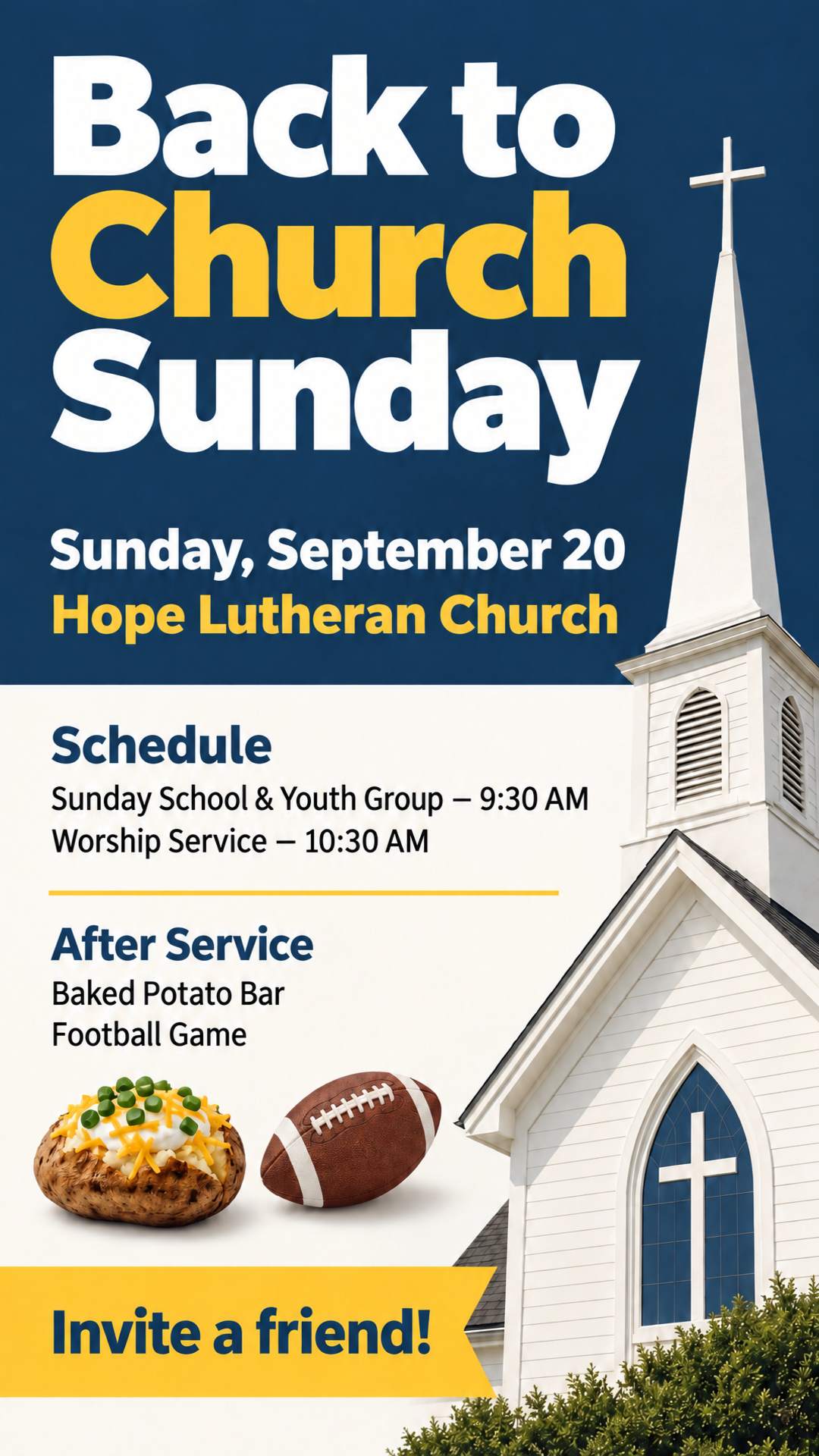
Weekly services rarely need a brand-new design. Upload last week's flyer and write one sentence about what changed. You get a new flyer with the same look.
From the bulletin board to WhatsApp Status, every size gets its own layout.
Generated at 300 DPI with 0.125 in (3 mm) bleed on every side. Pixel sizes include the bleed.
Feed, Story, square, landscape, and Pinterest formats. The 9:16 Story size also fits WhatsApp Status.
US Letter (8.5 x 11 in) is the standard flyer size in the US, and A4 is standard almost everywhere else. Need another size? Set a custom size in the generator.
Start from the example closest to your event. Each flyer was made from the prompt behind it, so use it and swap in your own details.
Service times, the church name, and a warm invitation. Add Sunday school or a fellowship meal when you have one.
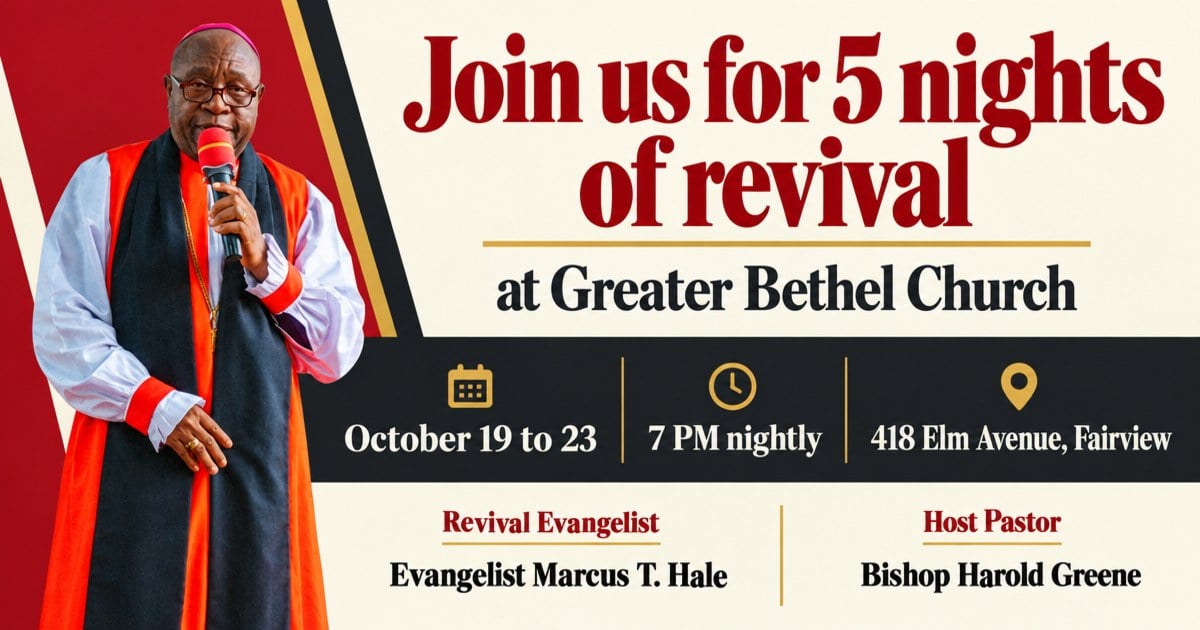
Nightly dates and times, the guest evangelist, and the host pastor, with the speaker's photo front and center.
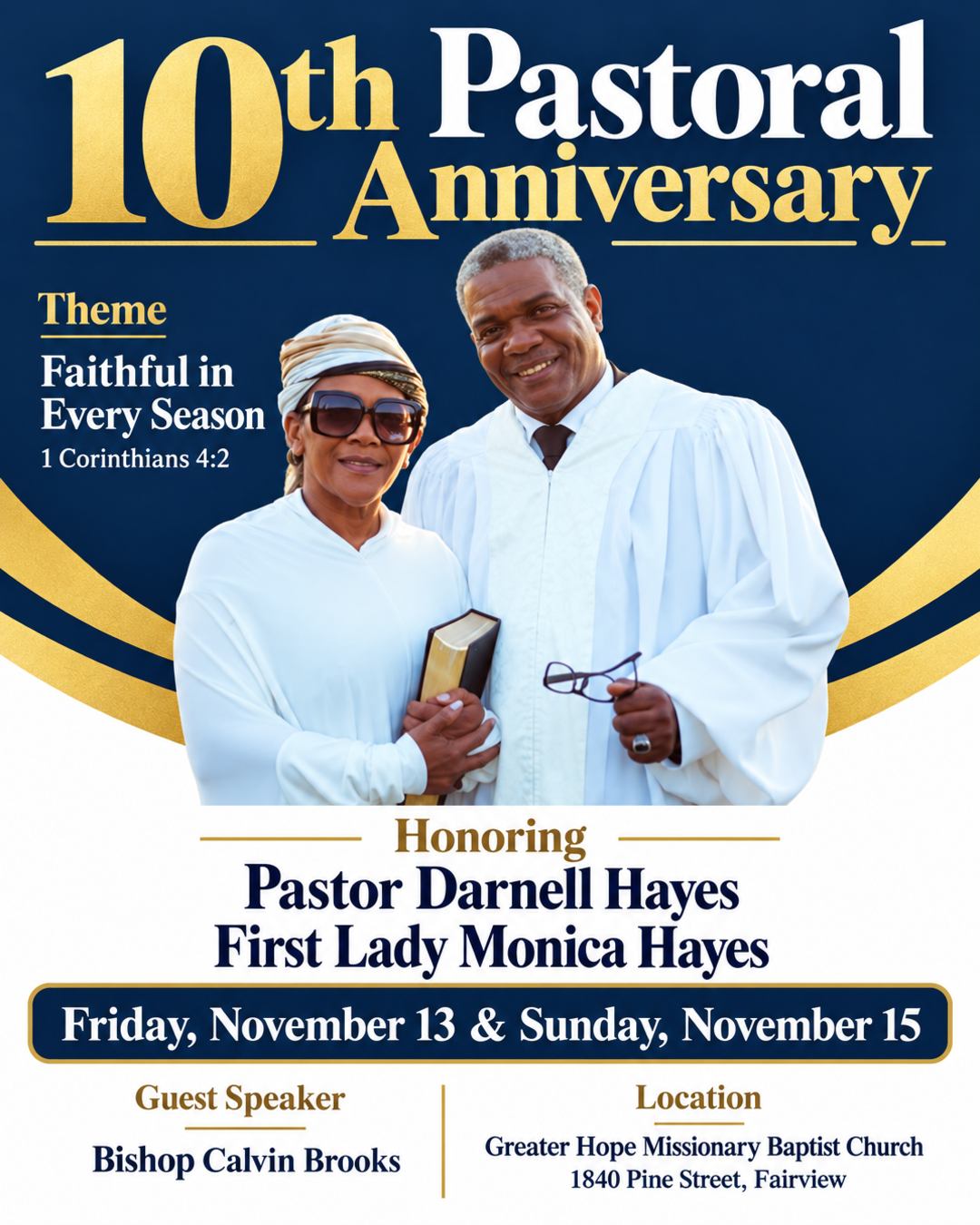
Honor your pastor and first lady with their photo, the theme scripture, the guest speaker, and the celebration dates.
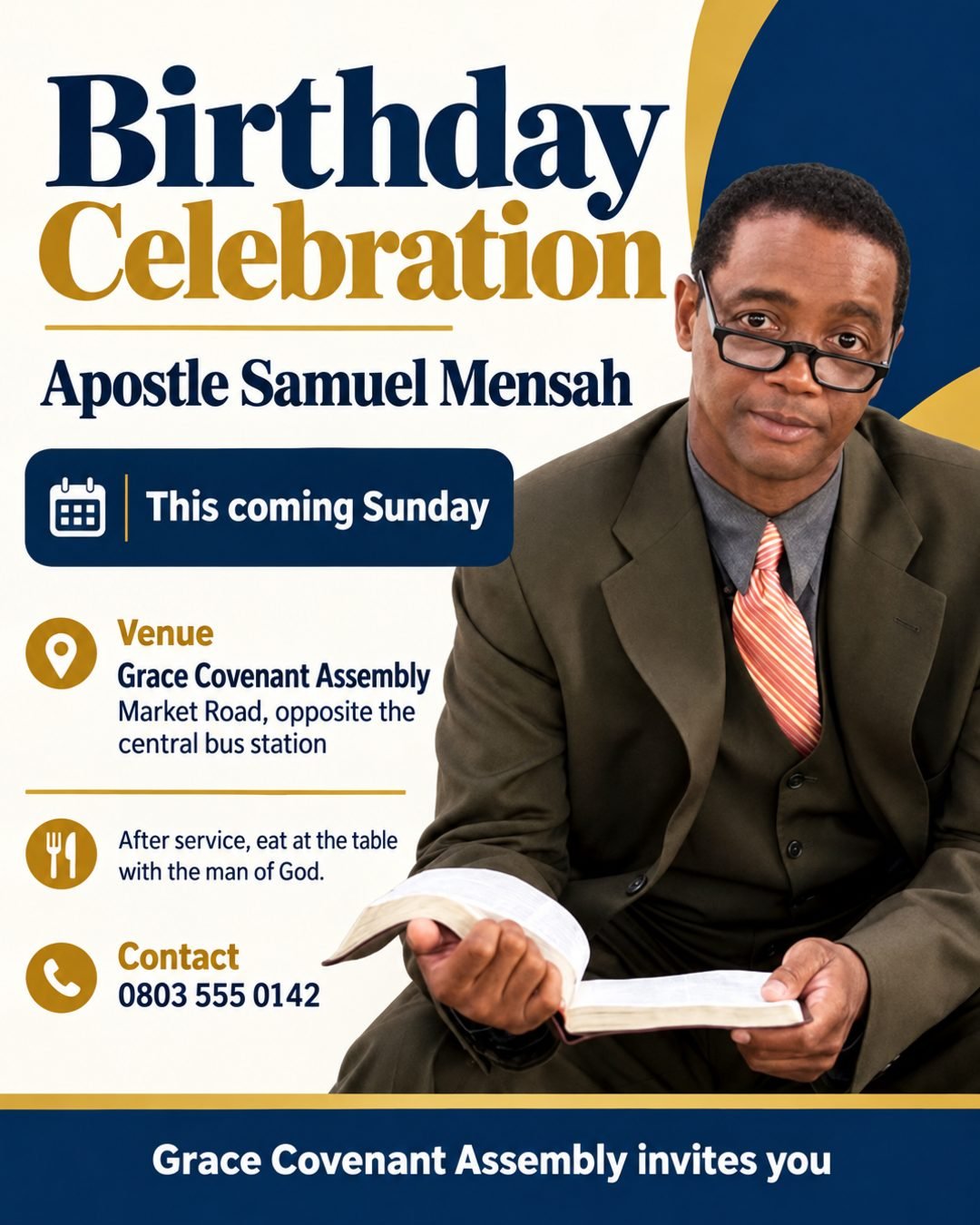
Celebrate your pastor's birthday with their photo, the service day, the venue, and what happens after service.
Multi-day programs with sessions, leaders, and contact numbers, laid out so every session is easy to find.
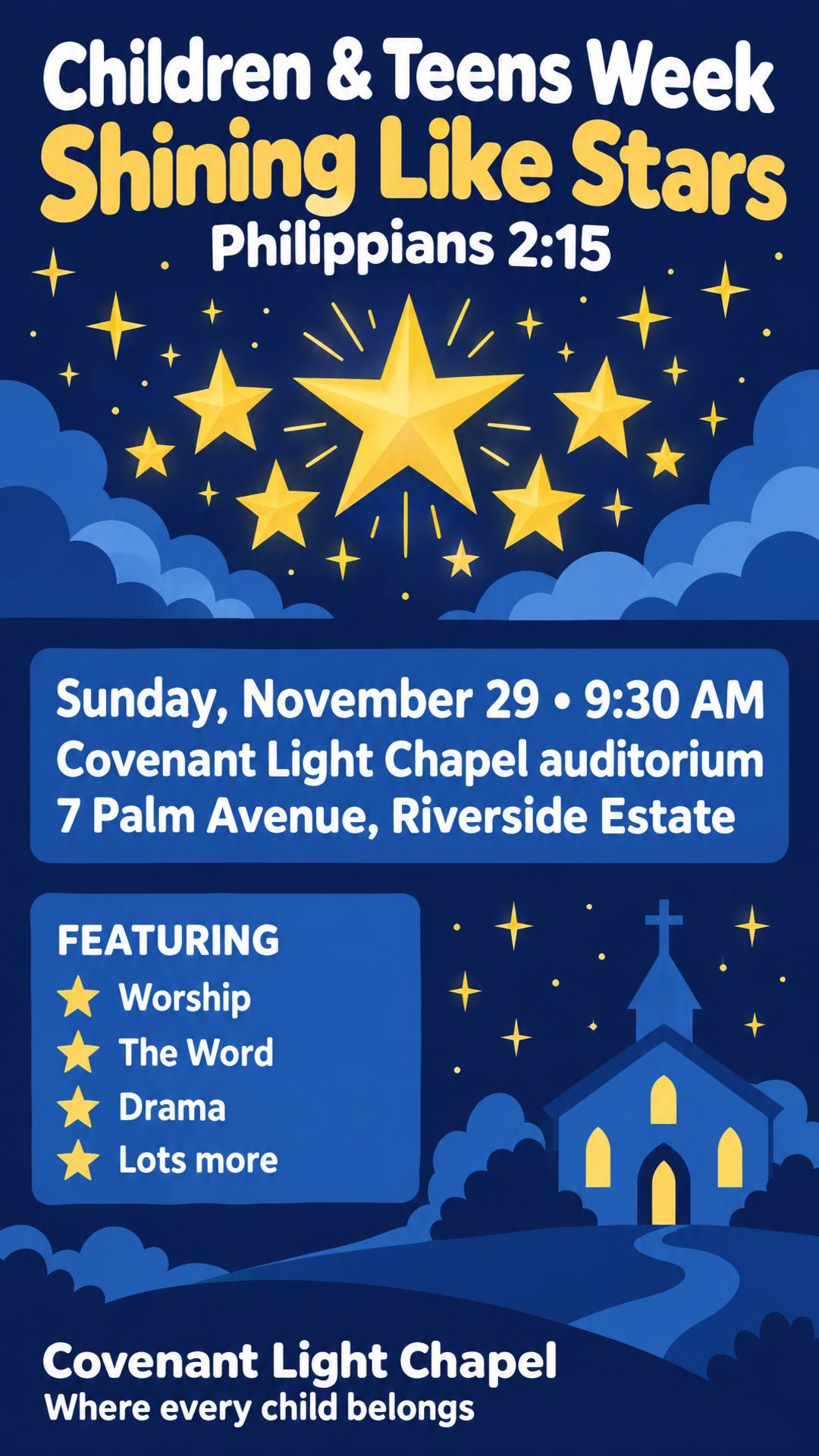
The program name and theme, what the day features, and the date, time, and place parents need.
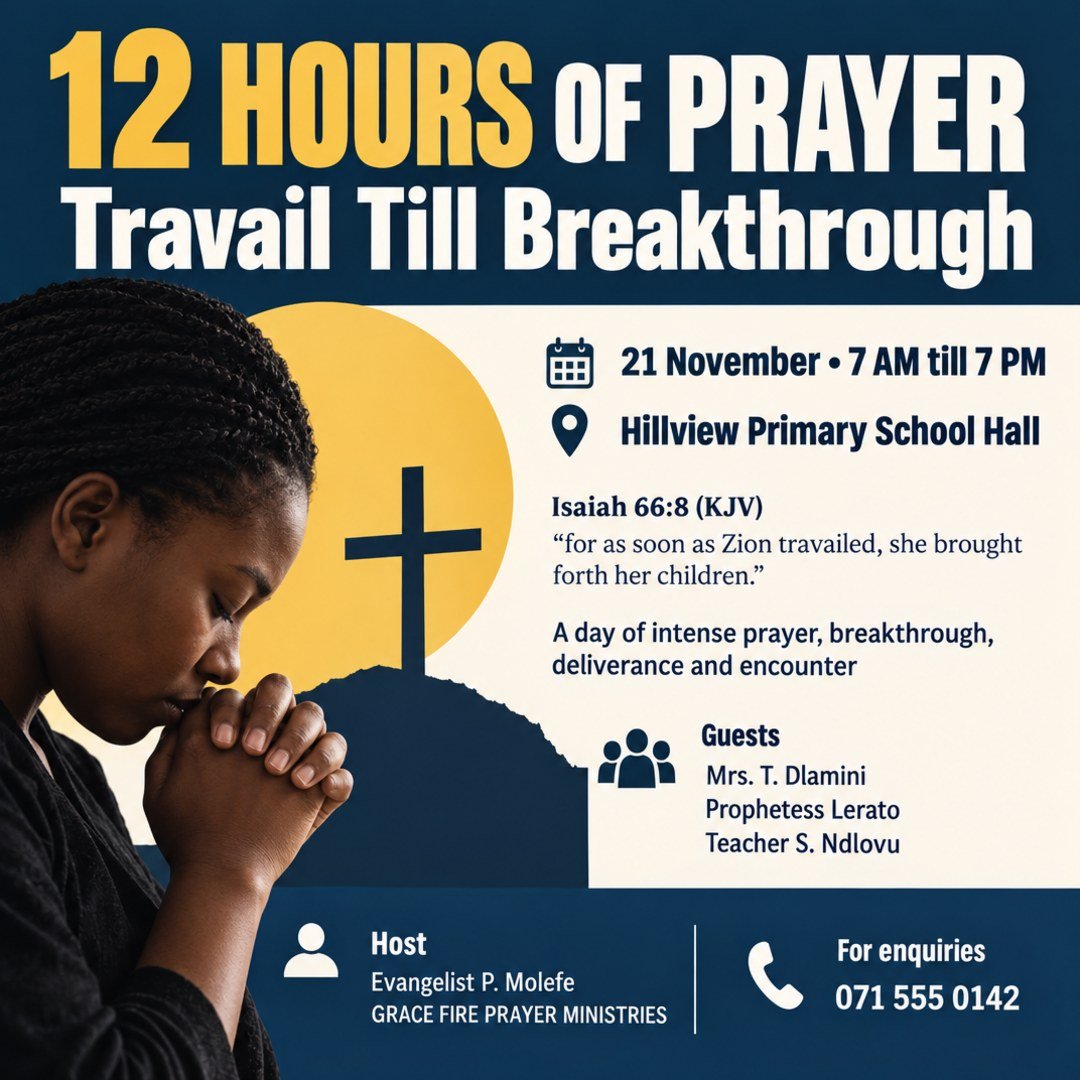
The prayer theme, a key verse, guest ministers, and the hours, for prayer days, vigils, and all-night services.
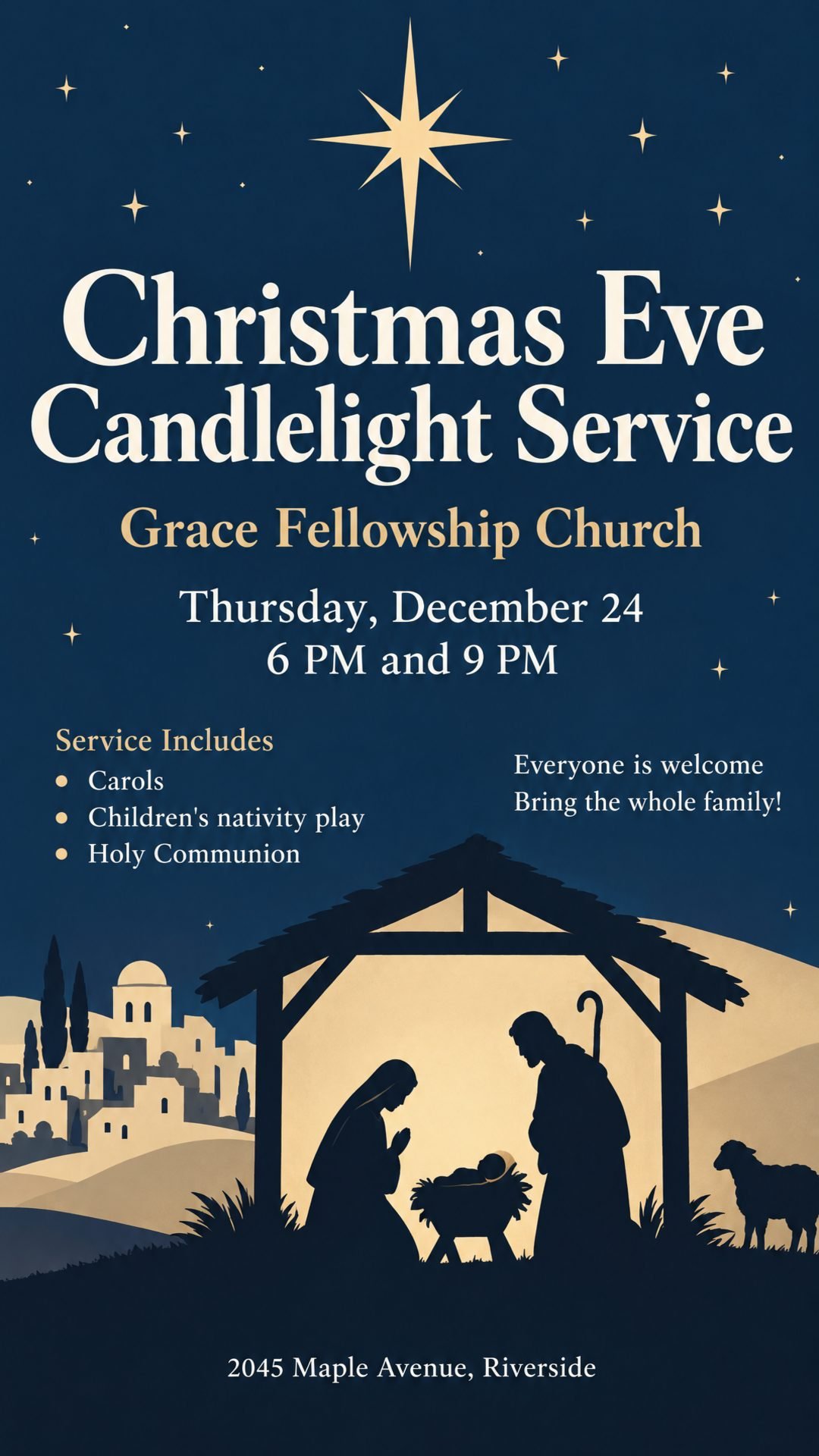
Holiday services with every service time, the special program, and an open invitation for families and visitors.
Names, churches, addresses, and phone numbers in these examples are fictional.
An AI church flyer creator starts from your own details instead of a fixed layout. Here is how it compares with tools many churches already use.
| Church Flyer Templates (Canva, PosterMyWall) | ChatGPT and Gemini | AI Church Flyer Generator | |
|---|---|---|---|
| Where you start | Pick a template, then replace each text and photo | Describe the flyer in a chat | Describe the service or paste your announcement |
| Pastor and speaker photos | Cut out and place each photo yourself | You can upload photos, but may need to explain several times | Upload them and each one is placed where it belongs |
| Names, dates, and verses | Accurate, because you type them in | Can misspell or invent details | Kept as you wrote them, nothing invented |
| Print sizes with bleed | Yes | A few fixed aspect ratios | US Letter, A4, and more at 300 DPI with bleed |
| Next week's flyer | Copy the design and edit it again | Describe it all again | Upload last week's flyer and change it in one sentence |
| Best for | Full manual control over every element | Quick drafts if you already pay for a subscription | A finished flyer you can print or share right away |
Yes, you can start free. New users get free credits when they sign up, and each flyer uses 2 credits. Flyers made with free credits carry a small watermark; flyers made with paid credits don't.
Include the church name, the service or event, the date and time, the venue, and who is preaching or hosting. Add a theme or scripture if you have one. You can also paste the announcement you already wrote; it doesn't need to be tidy. Put any wording that must appear exactly in quotes.
Yes. Upload photos of your pastor, guest speakers, and your logo, and say in the prompt who each person is. People are redrawn as part of the design, so if a face doesn't look right, generate again or place the original photo with the editor.
Names, dates, times, verses, and phone numbers are taken from your prompt and kept as you wrote them, and nothing is made up. Because the lettering is drawn into the image, a letter can occasionally come out wrong, so read the flyer before you print it. If something is off, upload the flyer and ask to fix just that detail.
Yes. Instead of filling in a fixed layout, you describe your event and get a design made for it, so your flyer won't look like every other church using the same template. If you like a template you've seen, upload it as a style reference.
Yes, in two ways. To change words or details already on the flyer, upload it and describe the change in one sentence. To add something on top, open the editor and add your own text or real images such as a QR code or photo, or adjust brightness and contrast.
Yes. Write your prompt in Spanish, Portuguese, French, or another language, and the text on the flyer stays in that language. Nothing is translated unless you ask. Languages written in the Latin alphabet give the most reliable lettering.
You download a high-resolution PNG at the size you chose. Print sizes like US Letter and A4 are made at 300 DPI with bleed, ready for a print shop or home printer. PDF export isn't available yet.
The AI church flyer generator turns your service details into a flyer ready to print or share.
Birthdays, house parties, themed nights, and club events.
House parties, trunk or treats, costume contests, and haunted houses.
Dinner invitations, Friendsgiving, food drives, and church thanksgiving services.
Flyers for any event or small business, in any language.
Reach more people in your community. Create a church flyer that invites them in, from a short description or the announcement you already wrote.