Restaurant Menu Flyer
Your dishes and prices in clear sections, plus the sides, the hours, and how to order. For takeout menus, counter handouts, and door-to-door drops.
Fill more tables and bring in more orders. Create a restaurant flyer that invites people in, from a few lines or the menu you already have.
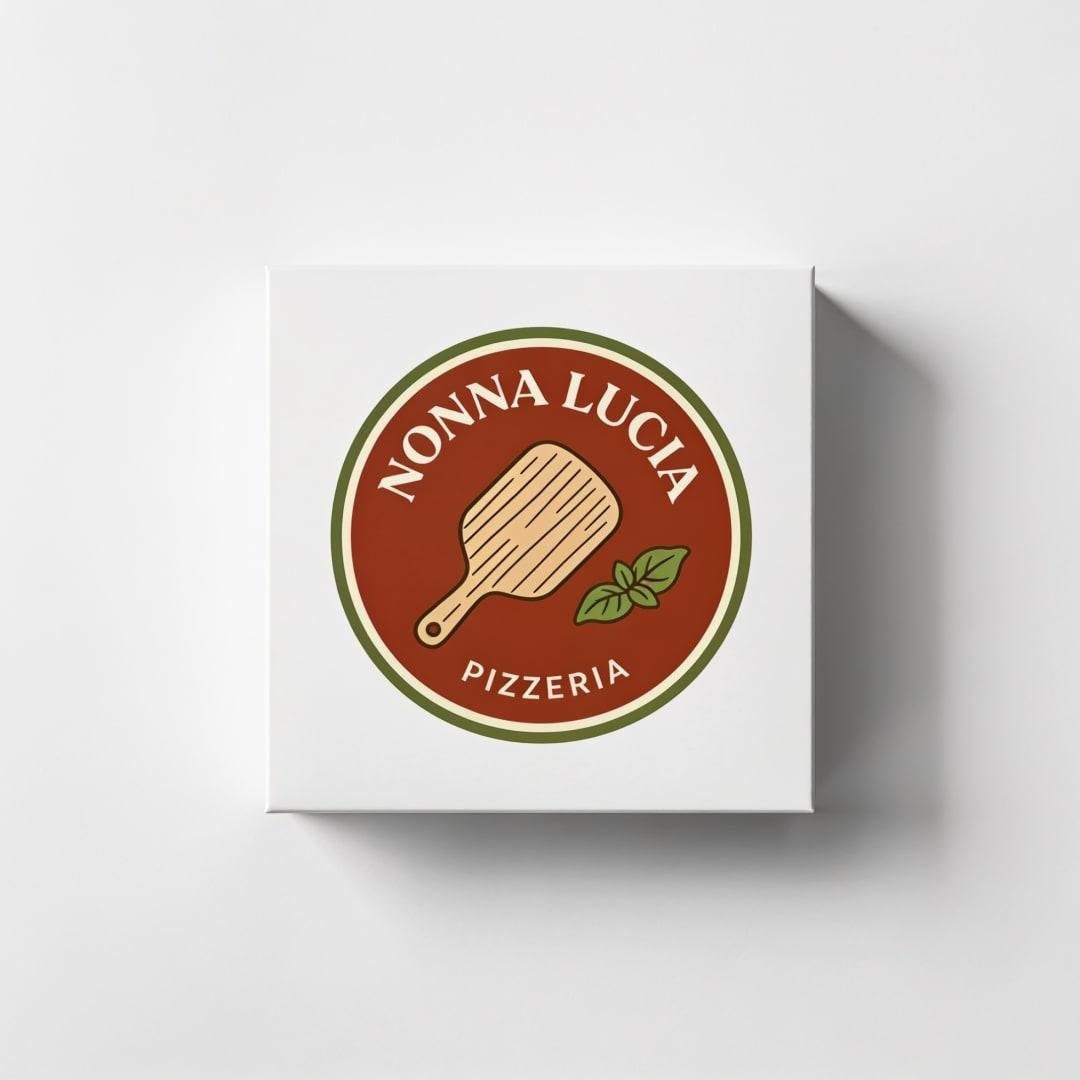
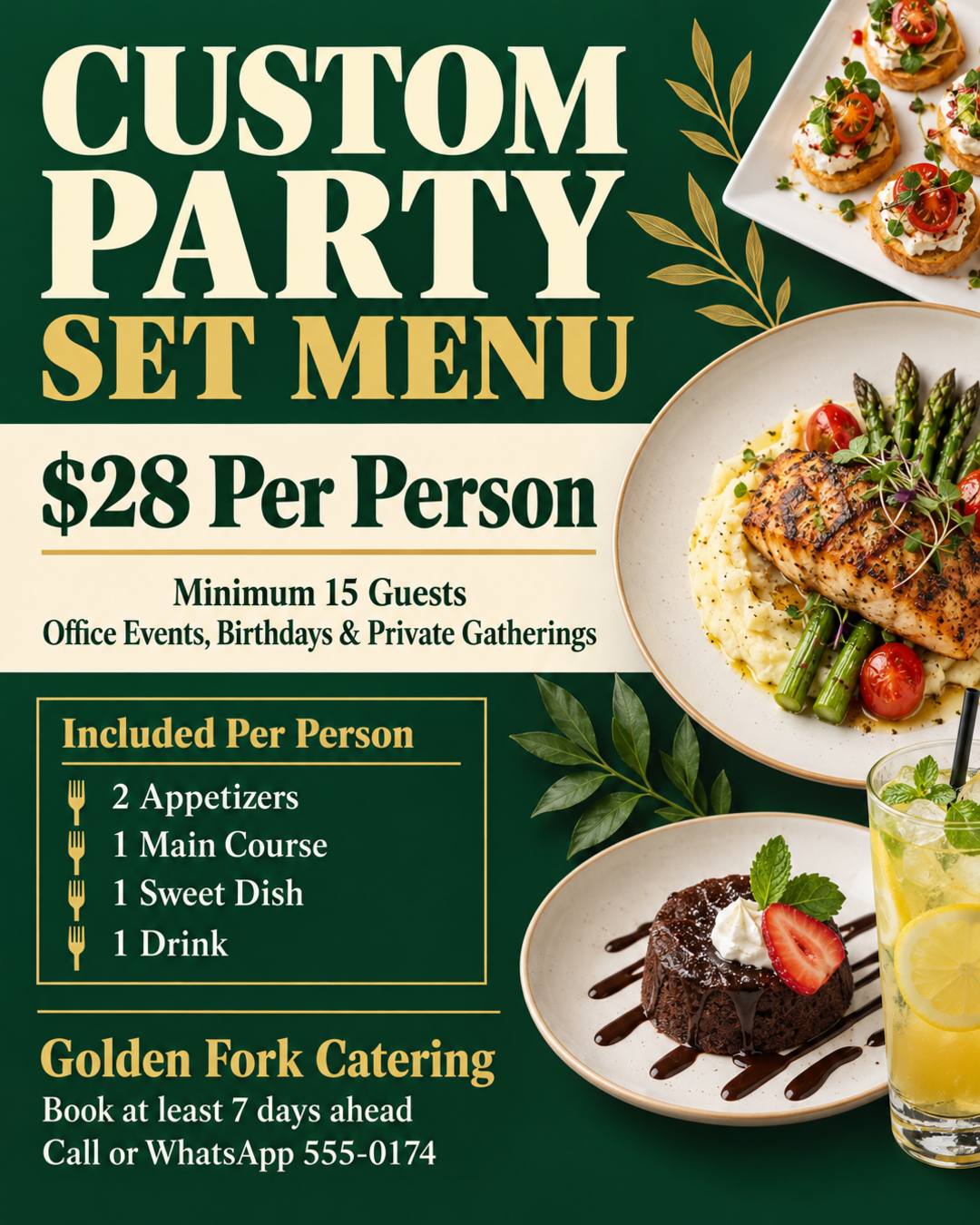
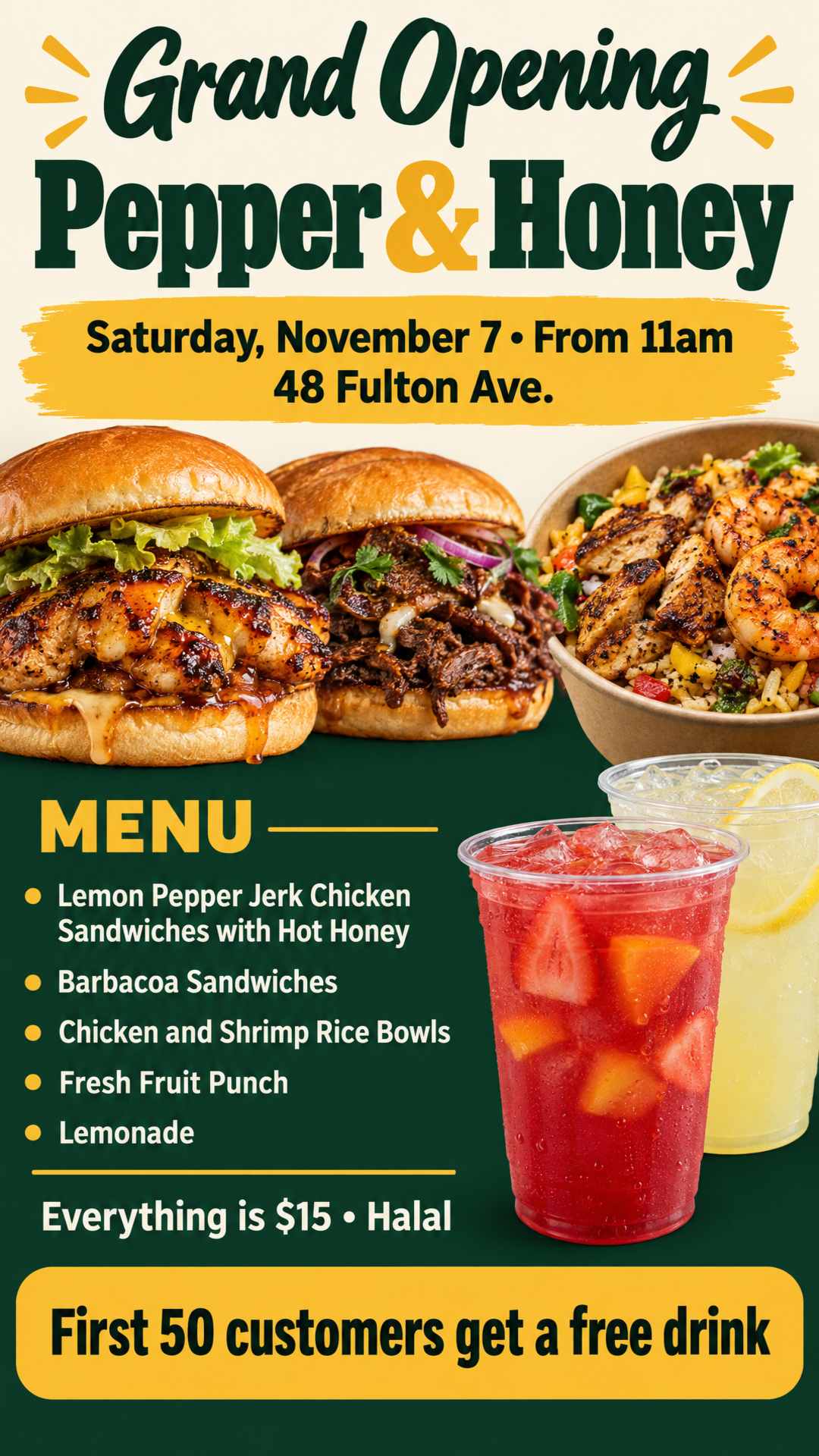
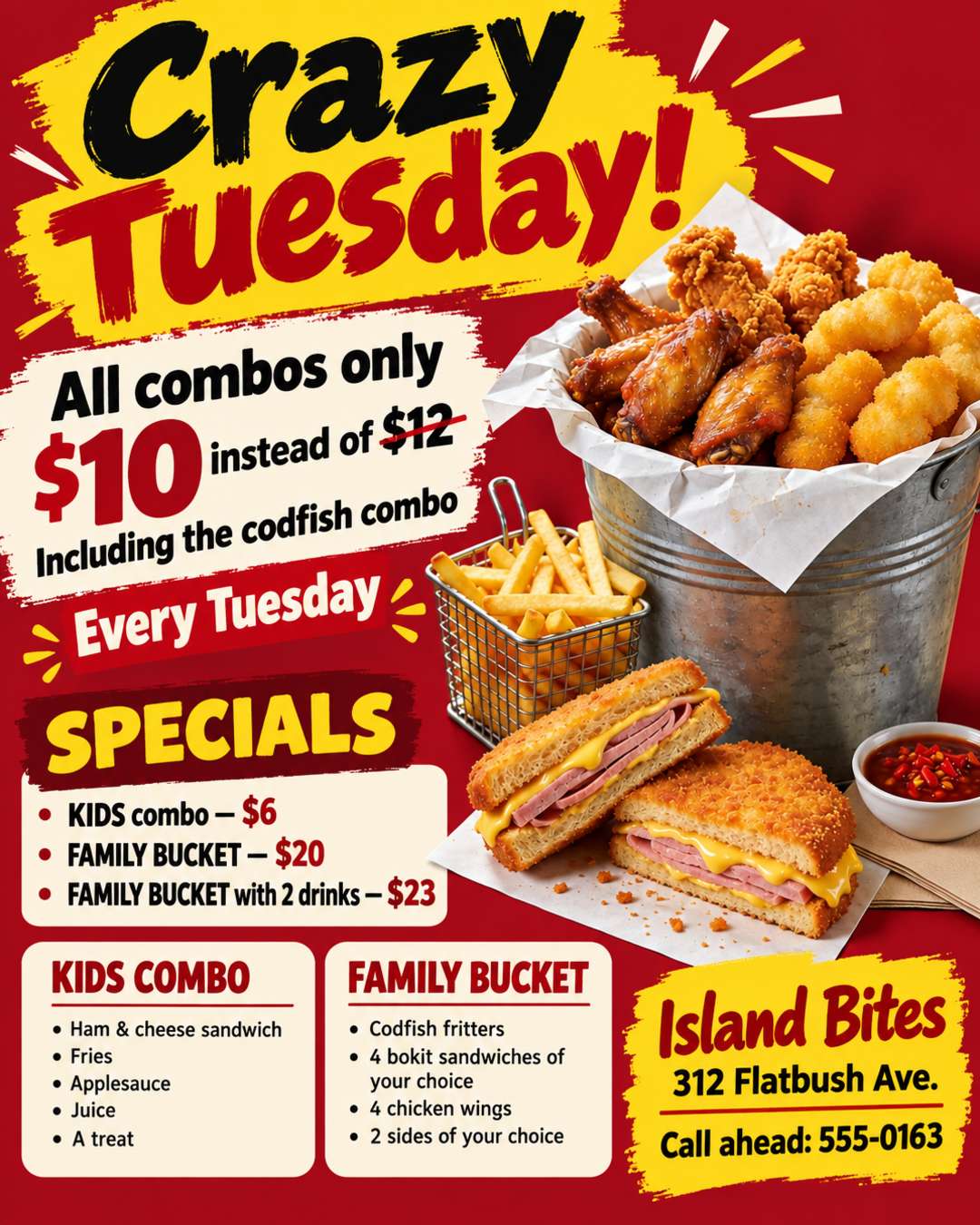
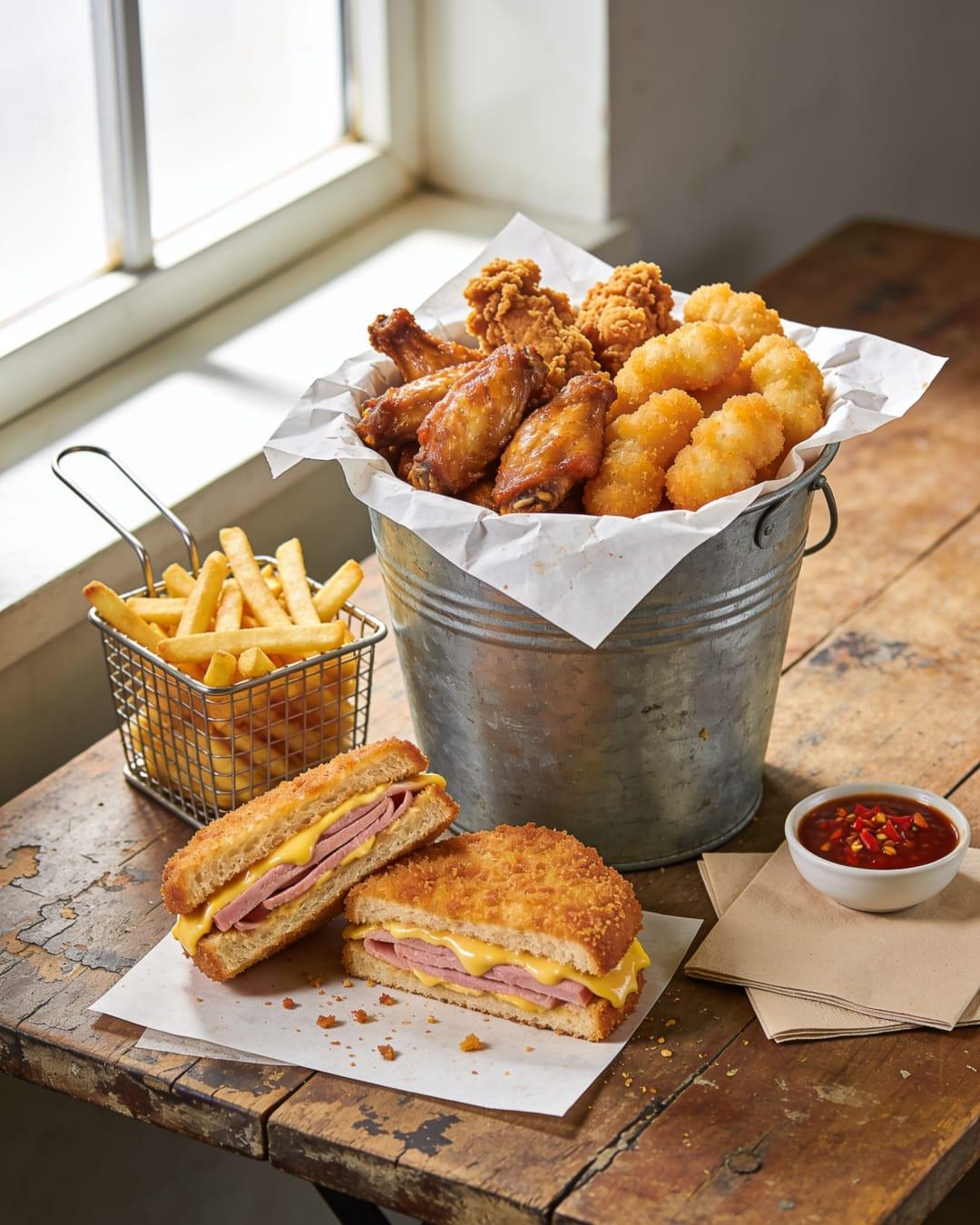
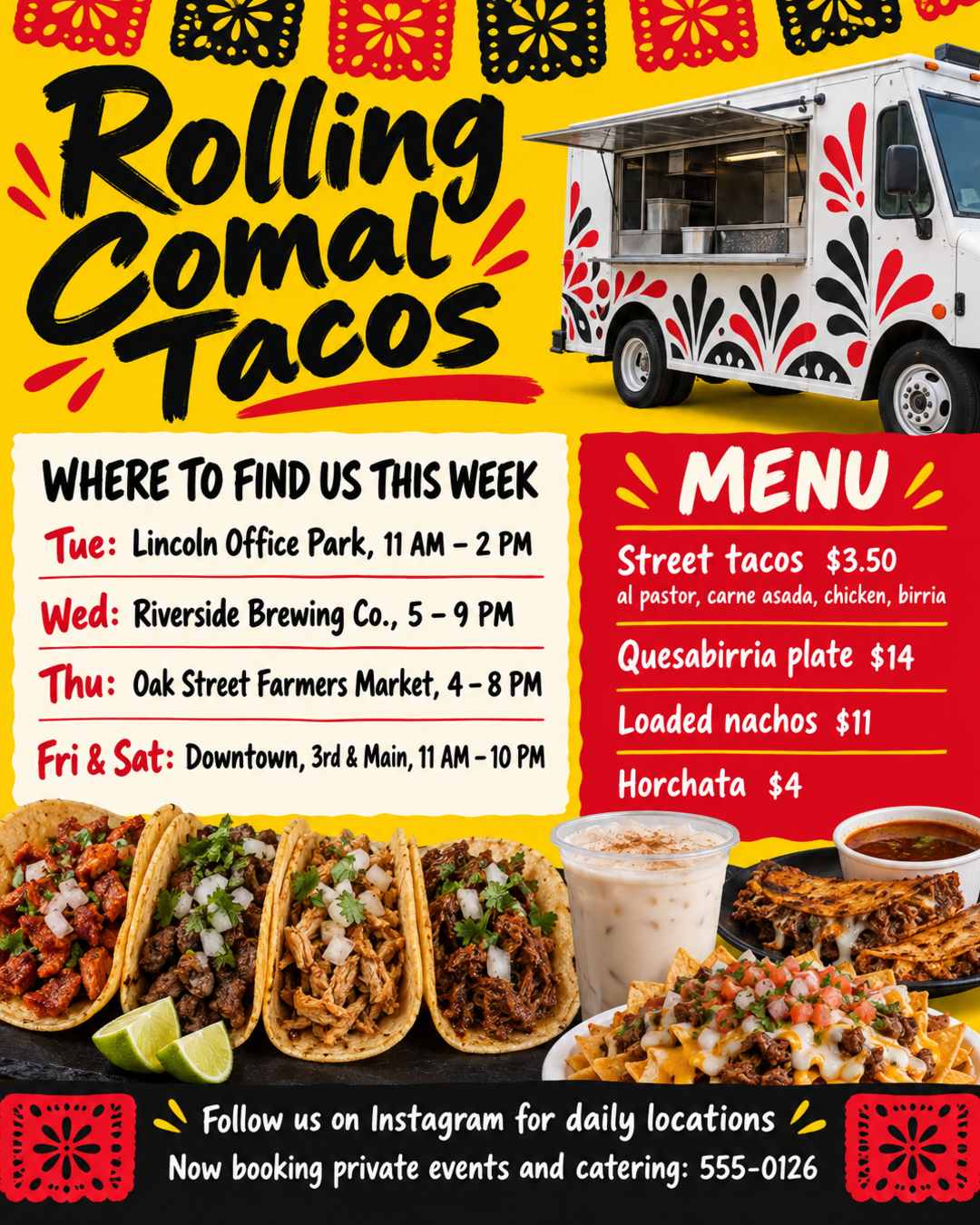
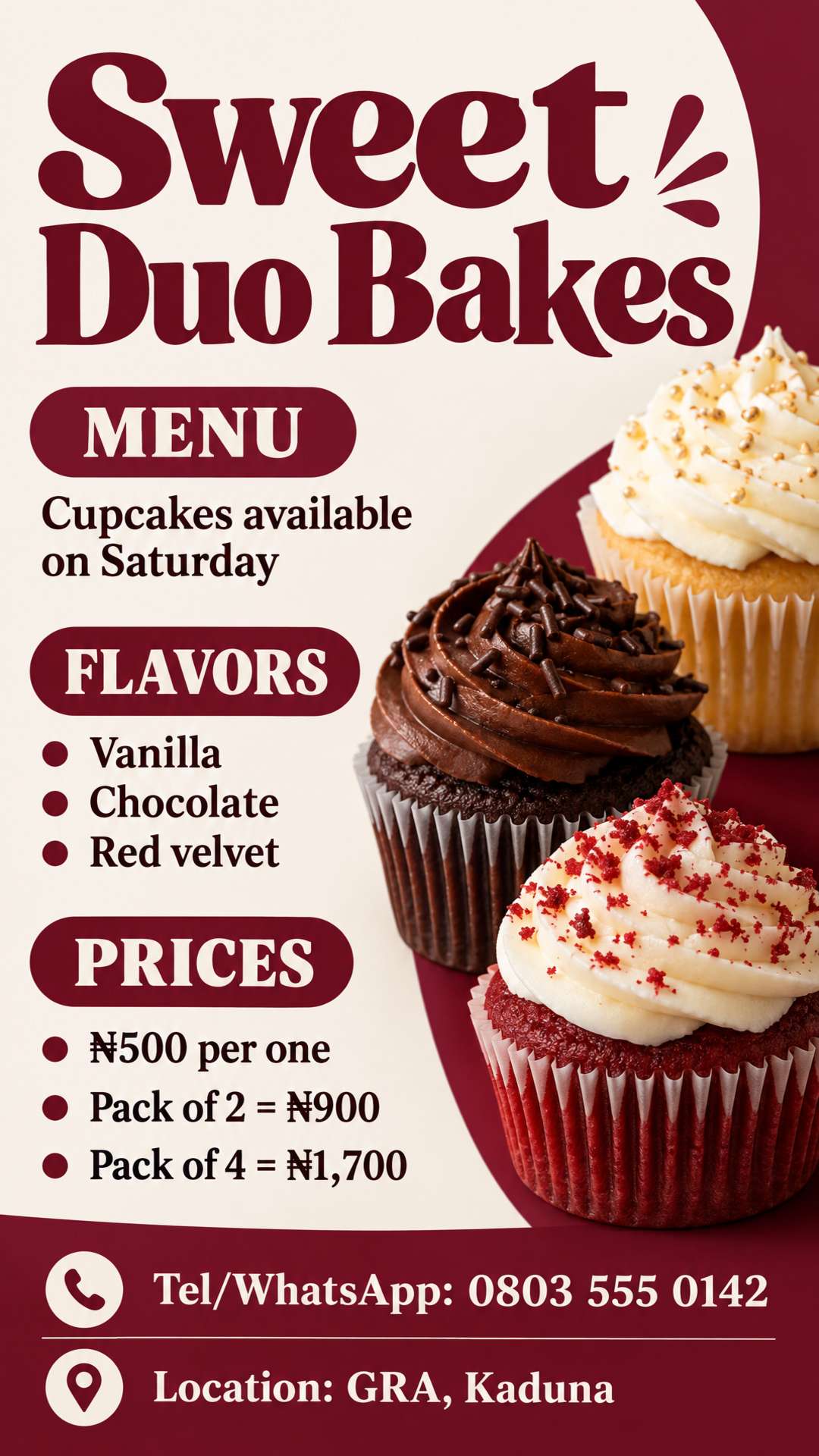
No restaurant flyer template to fill in and no design skills needed. The AI restaurant flyer generator does the design.
Write a few lines or paste your menu, this week's specials, or your deal, with the prices, hours, and address. Any language works.
Optional: upload photos of your dishes, your logo, or the flyer you printed last time to update.
Choose US Letter or A4 for the counter and door-to-door drops, or 9:16 for Instagram Stories and WhatsApp Status. Download the flyer, or add a menu or ordering QR code in the editor.
From a few lines about your food to a flyer ready for the counter, the front window, or your Instagram Story.
Describe your offer, or paste your menu, specials, or catering packages as they are. You get a complete design, with every dish, price, and phone number kept as you wrote it.
Upload photos of your real dishes, your storefront, or your logo, and they become part of the design. You can also upload a flyer you like as a style reference.
Specials change every week and prices go up. Upload the flyer you already printed and say what changed. The rest stays as close to the original as possible.
Open the editor to add your own text and real images, such as a QR code for your menu or online ordering, and adjust brightness, contrast, and saturation.
US Letter, Half Letter, and A4 for print at 300 DPI with bleed, 9:16 for Instagram Stories and WhatsApp Status, and 4:5 for feed posts. Custom sizes too.
Write in English, Spanish, French, or your own language. The text on the flyer stays in that language, so dish names are never translated.
Restaurant flyers made from a photo of real food, a pasted menu, and a one-line edit.
Upload a photo of your dish and write the deal. Instead of stock photos or made-up food, the design is built around what you actually serve, with the deal and the prices front and center.
Pasted menu
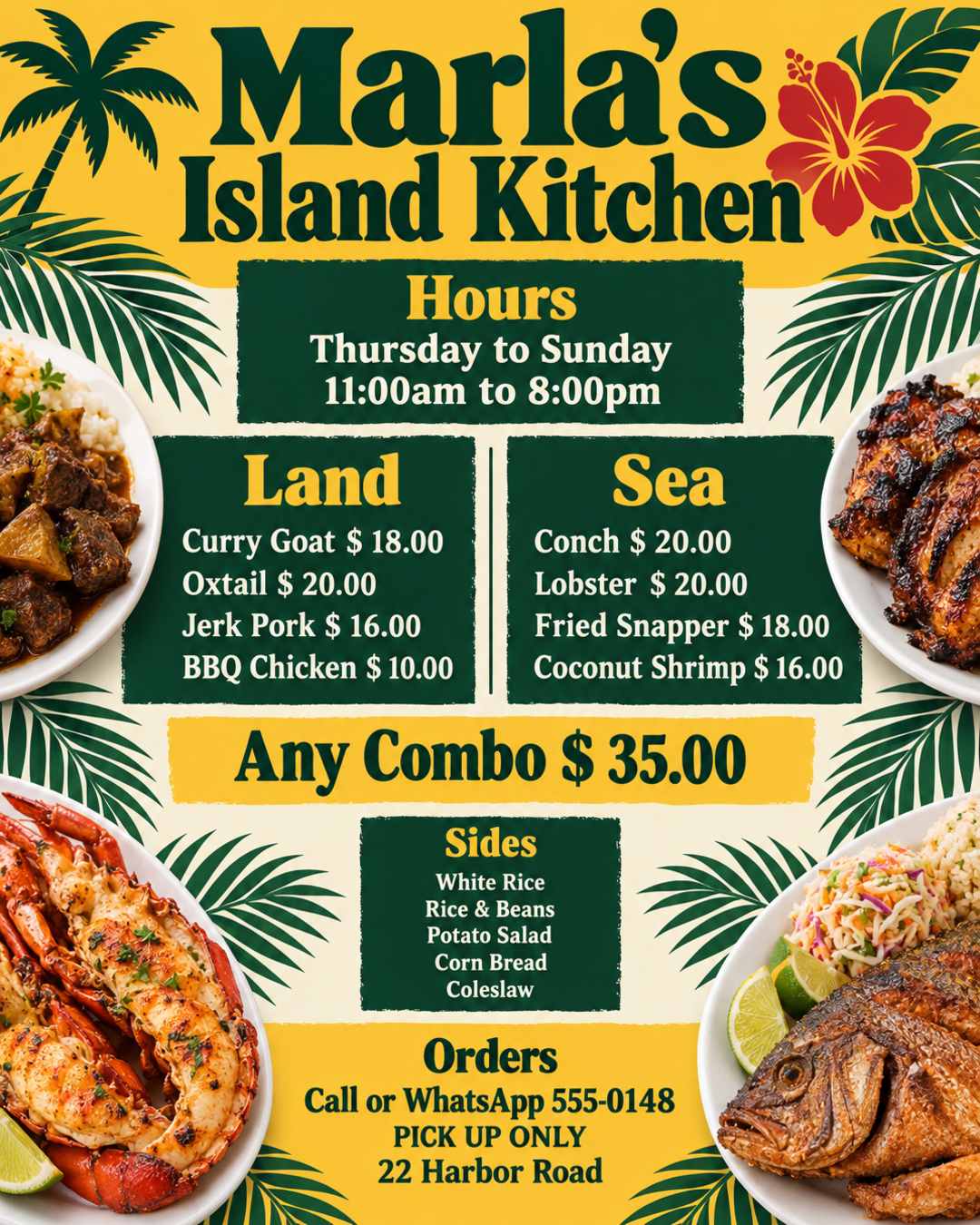
Create a flyer that shows what's on the menu for my kitchen, below are the details for the flyer; Name: Marla's Island Kitchen Days: Thursday to Sunday Time: 11:00am to 8:00pm Menu: Land Curry Goat $ 18.00 Oxtail $ 20.00 Jerk Pork $ 16.00 BBQ Chicken $ 10.00 Sea Conch $ 20.00 Lobster $ 20.00 Fried Snapper $ 18.00 Coconut Shrimp $ 16.00 Any Combo $ 35.00 Sides: White Rice Rice & Beans Potato Salad Corn Bread Coleslaw To place orders call or WhatsApp 555-0148 PICK UP ONLY at 22 Harbor Road
Paste the menu the way you wrote it. Every dish and price, the sides, the days and hours, and how to order are organized into clear sections, with nothing left out or changed.
Edit request
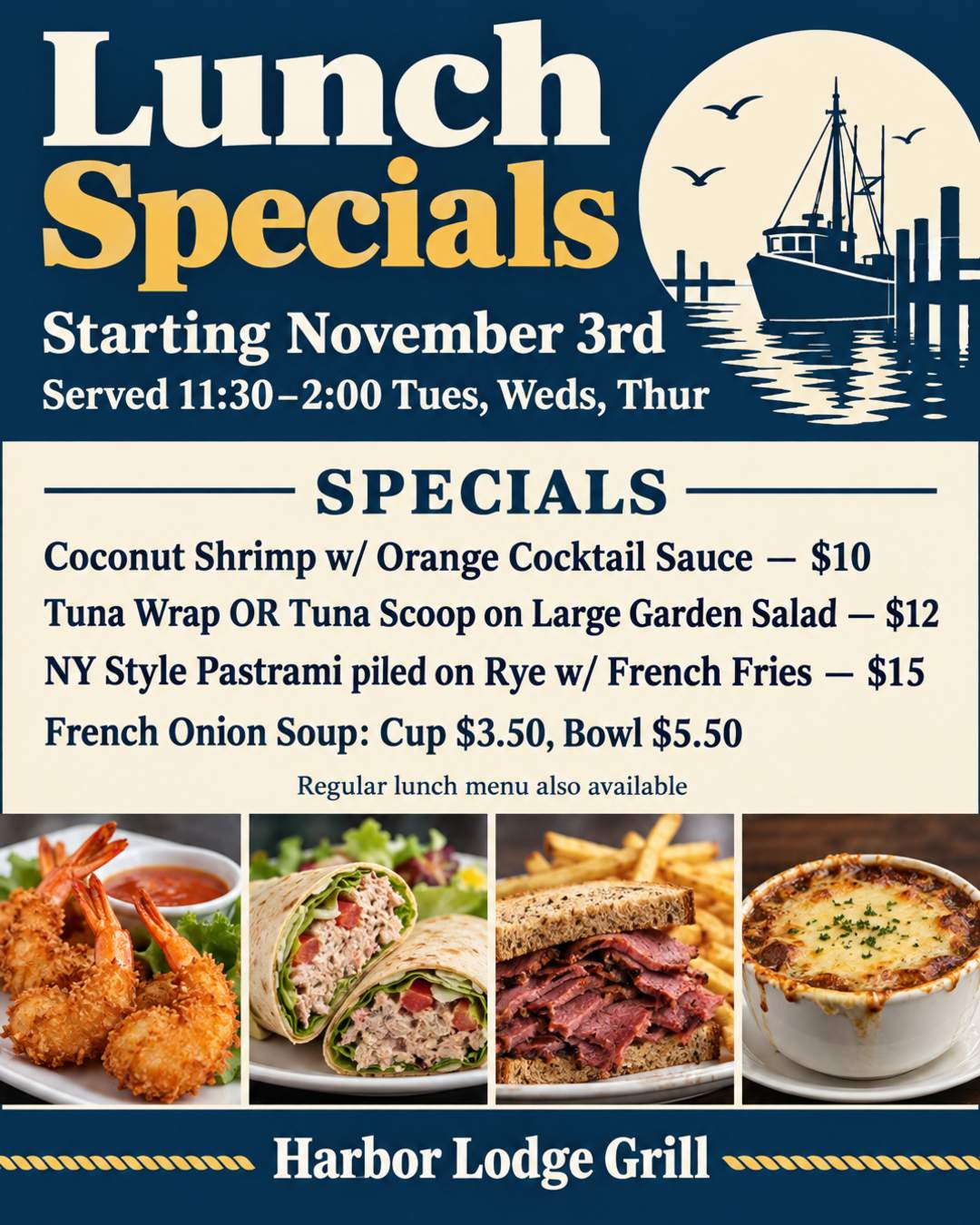
Change the start date to November 17th and the soup to Chicken Noodle, Cup $3.50, Bowl $5.50. Keep everything else the same.
Specials change every week. Upload the flyer you already posted and write one sentence about what's new. You get an updated flyer with the same look, ready to print again.
Print copies for the counter, the front window, and door-to-door drops, or post to your Story and your customers' group chats. Every size gets its own layout.
Generated at 300 DPI with 0.125 in (3 mm) bleed on every side. Pixel sizes include the bleed.
Feed, Story, square, landscape, and Pinterest formats. The 9:16 Story size also fits WhatsApp Status.
US Letter (8.5 x 11 in) is the standard flyer size in the US, and A4 is standard almost everywhere else. Need another size? Set a custom size in the generator.
Pick the example closest to your business. Each flyer was made from the prompt behind it: use it and change the details to yours.
Your dishes and prices in clear sections, plus the sides, the hours, and how to order. For takeout menus, counter handouts, and door-to-door drops.
The opening date and time, what you serve, the price, and an opening-day offer to get people in the door. For new restaurants, cafes, and food trucks.
This week's lunch or dinner specials with prices, the days and hours they're served, and what else is on the menu. Works for happy hour and Taco Tuesday too.
A combo deal, a discount, or a weekly promo, with your real food and a price nobody can miss. For deals you post on Stories and hand out at the counter.
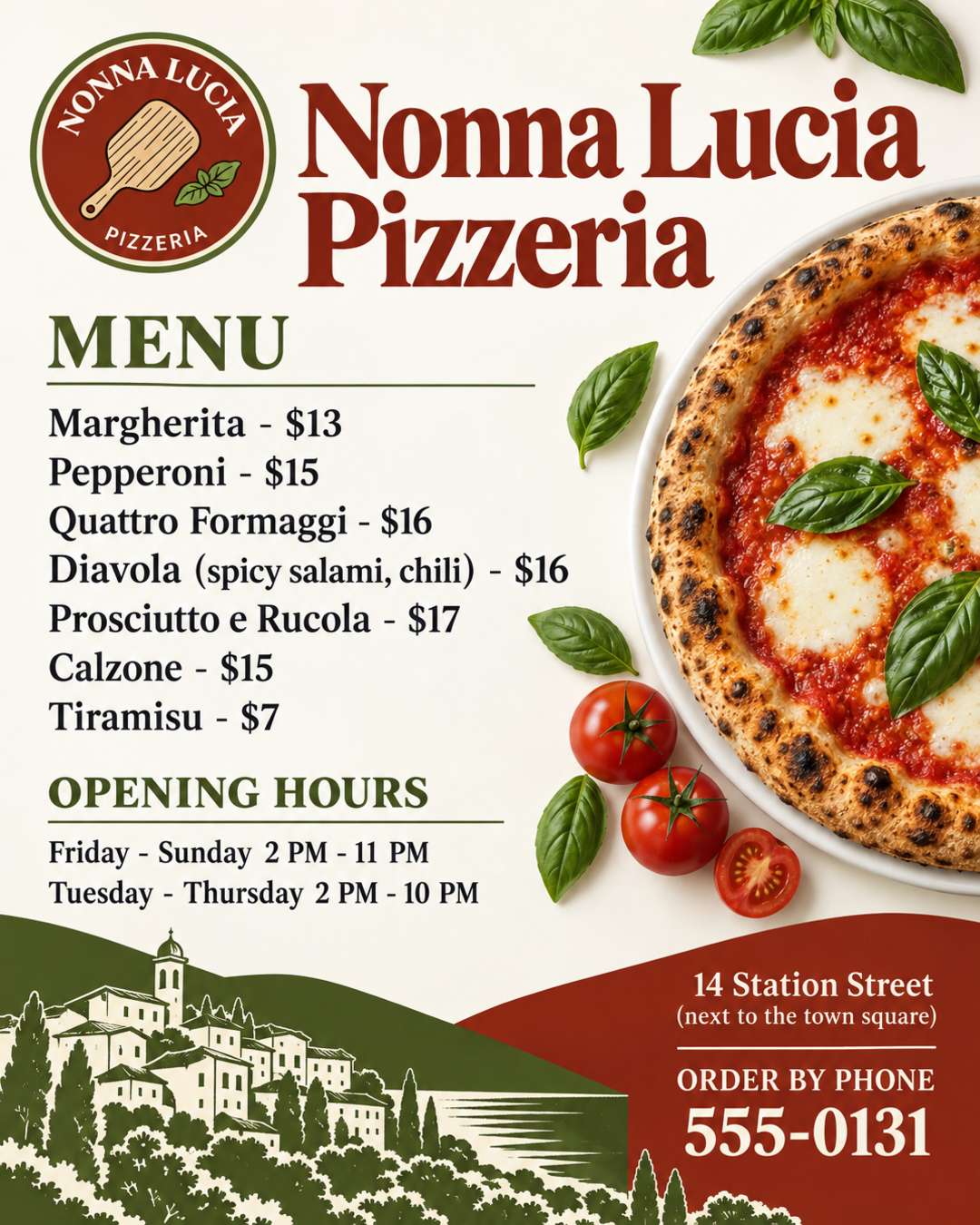
Your logo and colors, the pizzas and prices, the opening hours, and the number to call. For pizzerias and takeout shops.
Where to find you this week, what's on the menu, and how to book you for events. For food trucks, carts, and pop-ups.
Your package and price per person, the minimum number of guests, what each guest gets, and how far ahead to book. For caterers and restaurants that take party orders.
Your flavors, prices, and pack deals, the day they're ready, and your WhatsApp number. For home bakers, bakeries, and cake shops.
Business names, addresses, and phone numbers in these examples are fictional.
An AI restaurant flyer creator starts from your menu and your food instead of a fixed layout. Here is how it compares with tools you may already use.
| Restaurant Flyer Templates (Canva, PosterMyWall) | ChatGPT and Gemini | AI Restaurant Flyer Generator | |
|---|---|---|---|
| Where you start | Pick a template, then replace each dish and price | Describe the flyer in a chat | Describe your offer or paste the menu you already have |
| Your food photos and logo | Upload and place each one yourself, or use stock food photos | You can upload images, but may need to explain several times | Upload them and your real food becomes part of the design |
| Menus and prices | Accurate, but a long menu may not fit the template's text boxes | Can misspell dishes or change prices | Laid out to fit, with every dish and price kept as written |
| Print and Story sizes | Each size needs its own edit | A few fixed aspect ratios | US Letter, A4, 9:16, 4:5, and more, with bleed for print |
| Weekly changes | Open the design and edit each text box | Ask again, and the rest of the design may change too | Upload the flyer and say what changed in one sentence |
| Best for | Full manual control over every element | Quick drafts if you already pay for a subscription | A finished flyer you can print or post today |
Yes, you can start free. New users get free credits when they sign up, and each flyer uses 2 credits. Flyers made with free credits carry a small watermark; flyers made with paid credits don't.
A few lines are enough, such as "Taco Tuesday at Casa Verde, $2 tacos all day, 18 Main Street". Add what you're promoting, the prices, the days and hours, the address, and how to order. For a menu, paste it with one dish and price per line, grouped into the sections you want. Name a style or colors if you have one in mind, such as rustic chalkboard, bright and fun, or elegant black and gold. Put any wording that must appear exactly in quotes.
Start with your restaurant's name, what you're offering, and the price, then the address, the hours, and how to order: phone, WhatsApp, or a QR code. Give people a reason to come now, such as an opening-day offer, this week's special, or a deal with an end date. For a menu flyer, list each dish with its price in a few clear sections. For catering, list the packages, the price per person, the minimum order, and how far ahead to book. For a food truck, list this week's stops and times. A photo of your own food helps people picture what they'll get.
Dish names, prices, hours, addresses, and phone numbers are taken from your prompt and kept as you wrote them, and nothing is made up or added to your menu. Because the lettering is drawn into the image, a letter can occasionally come out wrong, so check every price before you print. If something is off, upload the flyer and ask to fix just that detail.
Yes. Upload your food photos or logo with your prompt and say what each one is, such as "our family bucket, make it the center" or "our logo, use its colors". A clear photo in good light works best. To refresh an old menu or flyer, upload it and say what to change; for a long menu, also paste the dishes and prices as text so every price is kept. Photos and logos are redrawn as part of the design, so a dish or logo may not look exactly the same. If it looks off, generate again or place the original file with the editor.
The design follows your food and the style you ask for, such as rustic chalkboard, bright street food, or a clean Italian look. When you upload photos, the flyer is built around your real dishes instead of made-up food. Gold, neon, and glow effects only appear when you ask for them, and no people are added unless you ask for them. You can also upload a flyer you like as a style reference.
Yes. Instead of searching through templates and squeezing your menu into someone else's layout, you describe your food and get a design made for it. The same works for food flyers, menus, and food posters: describe what you need and pick the size. If you like a flyer or template you've seen, upload it as a style reference.
Yes. Generate the flyer first, then upload your real QR code image in the editor and place it where you want, linking to your online menu, your ordering page, or your reviews. Don't ask the AI to draw a QR code, because a drawn code won't scan.
US Letter (8.5 x 11 in) is the standard flyer size in the US, and A4 almost everywhere else; both have room for a full menu. Half Letter (5.5 x 8.5 in) and A5 suit counter handouts and takeout bags, and the 4 x 6 in postcard suits mailers. For door hangers, set a custom size. For Instagram and Facebook, use 9:16 (1080 × 1920) for Stories and 4:5 (1080 × 1350) for feed posts; 9:16 also fits WhatsApp Status. Generate each size separately so each layout is designed for it. Flyers download as high-resolution PNG files, ready to print at home or at a print shop. There's no PDF or Word download; to use a flyer in Word or Google Docs, insert the PNG.
Yes. Write your prompt in Spanish, Portuguese, French, or another language, and the text on the flyer stays in that language, so "Menú del día" stays "Menú del día". Nothing is translated unless you ask. For a bilingual menu, write each dish in both languages and both are kept. Languages written in the Latin alphabet give the most reliable lettering.
The AI restaurant flyer generator turns your menu, specials, and food photos into a flyer ready to print or post today.
Sunday services, revivals, anniversaries, and youth programs, with your pastor's photo.
Birthdays, house parties, themed nights, and club events.
House parties, trunk or treats, costume contests, and haunted houses.
Dinner invitations, Friendsgiving, food drives, and church thanksgiving services.
Store sales, salon deals, gift card promos, and Small Business Saturday.
Christmas Eve services, parties, toy drives, and Christmas markets.
Flyers for any event or small business, in any language.
Fill more tables and bring in more orders. Create a restaurant flyer that invites people in, from a few lines or the menu you already have.